

Onboarding has always had this weird gap.
On paper, it looks fine. A checklist. A few videos. Maybe a shadowing schedule. Someone signs a form. Everyone nods. Done.
Then the new hire actually has to do the job.
And suddenly it is. Where do I click? Which cable is that? What does this error code mean. Why is the machine making that sound. Who do I ask without looking clueless.
This is the part nobody loves. Not the new person, not the trainer, not the manager who just wants the role to be productive already.
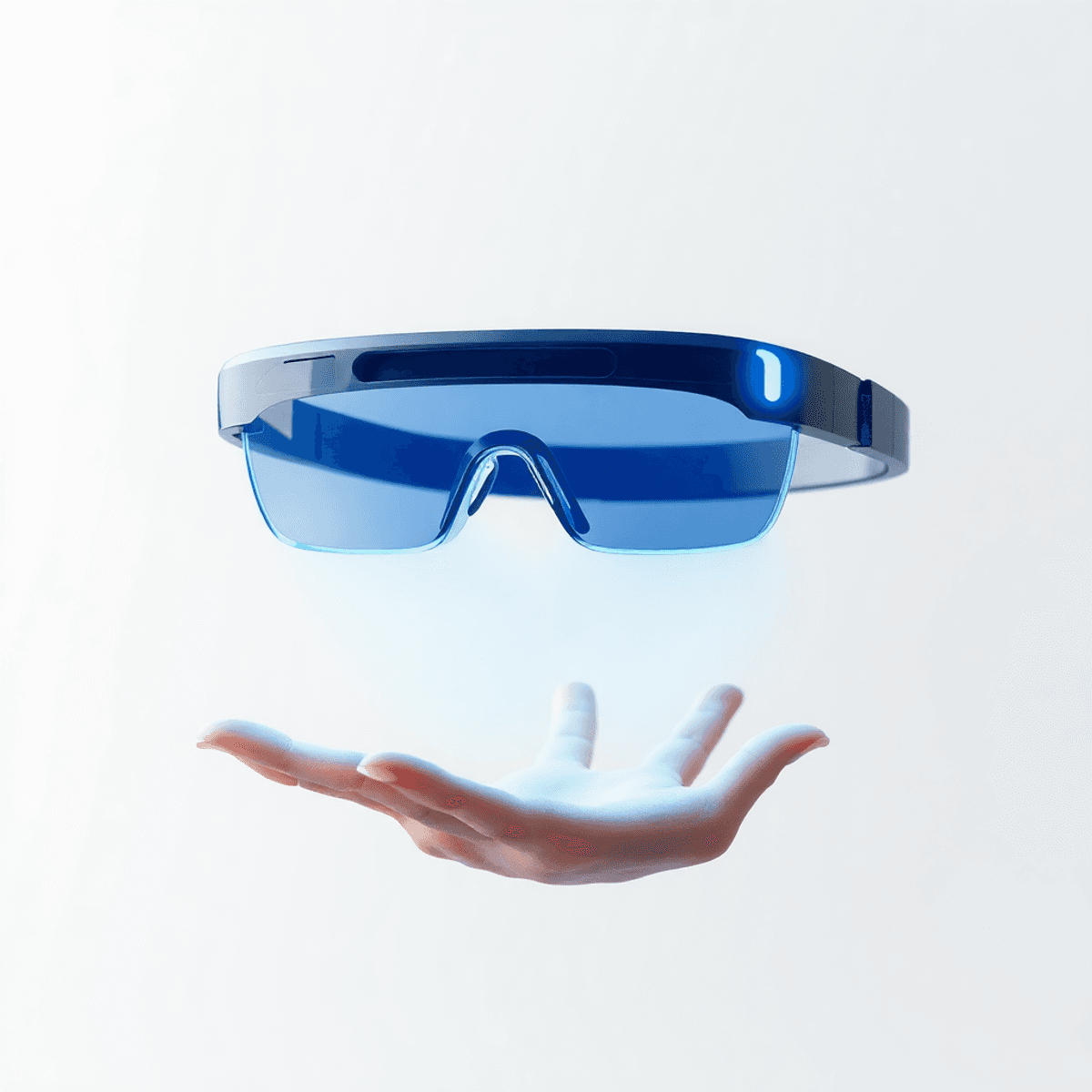
Augmented Reality onboarding basically attacks that gap directly. Not with another training portal. Not with longer PDFs. With something way simpler.
You put on glasses. You look at the real thing. And you see the instructions on top of it.
High cool factor, yes. But the real win is not the cool factor. It is that you can finally teach someone inside the moment they need it, while they are literally looking at the equipment, the panel, the tool, the part.
That is the difference.
What “training with glasses” actually means (in plain English)
AR is not virtual reality. You are not transported into some fake world. You are still standing in the same room, in front of the same machine, with the same noise, lighting, and pressure.
AR just adds a digital layer on top of what you are already seeing.
So instead of reading step 7 in a binder and then turning around and trying to find the correct bolt, the step appears where the bolt is. In your view.
It can be text. Arrows. A highlight around the exact part. A short animation that shows how to turn something. A warning icon that pops up if you are about to touch the wrong component.
The whole idea is: you learn while doing. Not before doing.
The technician example (the one that makes it click)
Picture a new maintenance technician on day three.
They are standing in front of a packaging machine that keeps jamming. It is a real machine. Heavy. Loud. A little intimidating. There is also that subtle pressure because downtime costs money and other people are waiting.
Normally, this is where onboarding goes sideways.
They might have watched a video last week. They might have notes. But now they are staring at a maze of rollers, sensors, belts, and covers that all look similar if you do not already know the machine.
Now swap in AR glasses.
The technician looks at the machine and the glasses recognize it. This is key. The system knows, ok, this is Model X, Line 2, with the updated sensor kit.
A digital overlay appears.
- “Step 1: Power down. Confirm lockout tag.”
- A small checklist appears in the corner, with a big “Confirm” button.
- “Step 2: Remove Cover A.”
- Cover A is literally outlined in the technician’s view. Not described. Outlined.
- “Step 3: Check sensor S3 for debris.”
- The exact sensor is highlighted with an arrow pointing at it. The glasses can even show a tiny 3 second clip of what “clean” vs “blocked” looks like.
- “If you see error code 17B, do this instead.”
- Conditional steps. Like a choose your own adventure, but for maintenance.
And then the best part.
If the technician gets stuck, they can open a remote assist view. A senior tech, sitting somewhere else, can see what they see and draw a circle in their field of view. Like, “that part. Not that one.”
No guessing. No walking back and forth between machine and manual. No pretending you understand.
The training is on the object. On the machine. While hands are moving.
That is why it works.
Why this beats the classic onboarding stack
Most onboarding is built around transferring information.
AR onboarding is built around transferring performance.
That sounds like a corporate phrase, but it is simple. In real jobs, people do not fail because they never saw the information. They fail because they cannot apply it fast enough in the real environment.
AR helps because it:
1. Cuts “memory load” down to almost nothing
In a normal setup, the new hire has to hold a bunch of steps in their head while also doing the work safely and correctly.
With AR, the steps are always there. In order. In context. You are not relying on memory as much.
2. Reduces the trainer bottleneck
A good trainer is not just teaching. They are also answering the same questions 40 times.
AR can take the repeatable stuff and make it self serve. Trainers can focus on higher level judgment calls, the stuff that actually needs a human.
3. Makes training consistent across locations and shifts
If you have multiple sites, or just different people training different ways, onboarding gets messy. One crew does it “the right way,” another crew does it “the way we have always done it.”
AR training modules, if designed well, standardize the baseline. Same steps. Same safety prompts. Same checks.
4. Speeds up time to competence, not just time to completion
A new hire can “complete onboarding” and still not feel confident.
AR does something subtle. It gives confidence faster because the person can succeed earlier. Early wins matter a lot in onboarding. A lot.
The “cool factor” is real, but it is not the main reason
Let’s not pretend the glasses thing is not cool.
People put them on and immediately feel like they are in the future. That alone can help engagement, especially for roles where training has been historically boring or stressful.
But if AR was only cool, it would be a toy. The reason companies keep investing is because it solves expensive problems:
- Fewer mistakes that damage equipment
- Less rework
- Fewer safety incidents caused by confusion or skipped steps
- Less downtime when someone is new
- Less dependency on one or two “tribal knowledge” employees
The cool factor gets buy in.
The performance improvements keep it alive.
Where AR onboarding fits best (and where it does not)
AR shines when the job is physical, procedural, and location based.
Think:
- manufacturing and maintenance
- warehouse picking and packing
- field service and utilities
- medical device servicing
- aircraft, automotive, heavy equipment
- lab processes with strict steps
- retail tasks like planograms, inventory counts, equipment setup
Basically, any time the “thing” matters. The machine. The shelf. The panel. The tool.
Where AR is less useful.
If the job is mostly reading, writing, talking, and switching browser tabs all day, AR glasses might be overkill. You can still use AR on a phone sometimes, but the biggest advantage of glasses is hands free in the real world.
And even in physical roles, AR should not replace judgment training. You still need mentors. You still need safety culture. You still need someone teaching “why,” not just “what to do next.”
AR is best as the scaffolding.
The sneaky benefit nobody talks about: capturing tribal knowledge
A lot of onboarding fails because the real knowledge is trapped in people.
The veteran tech knows that a certain machine jams if humidity is high. Or that a sensor is “fine” but needs a wipe every shift. Or that you should listen for a specific sound before restarting.
That stuff never makes it into the manual. But it is what keeps operations running.
AR platforms can capture this in a usable way.
You can record a procedure once, from a first person point of view, and attach it to the machine itself. Later, a new hire can pull it up at the exact spot it matters.
That is powerful. And a little emotional too, honestly, because it means the best people are not the only ones who know how to keep the place functioning.
What good AR onboarding looks like (a simple checklist)
If you are considering AR, here is what separates a real onboarding system from a gimmick demo.
- Short modules. 2 to 7 minutes. Not 45.
- Clear triggers. The module should start when you look at the machine or scan a tag.
- Visual cues. Highlight the part. Point at the bolt. Outline the panel.
- Branching steps. If X happens, do Y. If not, continue.
- Safety gates. Confirm lockout. Confirm PPE. Confirm torque spec.
- Remote assist. Because reality is messy and people get stuck.
- Feedback loop. Let technicians flag steps as unclear so the module improves.
You do not need a hundred modules on day one.
Start with the top five tasks that cause the most errors or require the most hand holding. Build those. Measure results. Expand.
So, is AR really “the future” of onboarding?
Yeah. For a lot of roles, it is hard to imagine going back once it is done well.
Because it matches how people actually learn physical work. By doing it. In the real environment. With guidance that shows up exactly when it is needed.
The technician seeing digital instructions over a real machine is the simplest mental picture. And it is accurate. It feels futuristic, sure. But it is also just common sense.
If the job is in the real world, the training should be too.
AR finally makes that possible.
FAQs (Frequently Asked Questions)
What is the main problem with traditional onboarding methods that AR onboarding addresses?
Traditional onboarding often looks fine on paper but leaves new hires confused when actually performing tasks. They face questions like ‘Where do I click?’ or ‘Which cable is that?’ without immediate, contextual help. AR onboarding directly attacks this gap by providing real-time, on-the-spot guidance while the new hire is interacting with the actual equipment.
How does Augmented Reality (AR) onboarding work in simple terms?
AR onboarding adds a digital layer onto the real-world view through smart glasses. Instead of reading manuals or watching videos separately, instructions like text, arrows, highlights, and animations appear directly over the physical parts or tools in the user’s field of vision, enabling learning while doing.
Can you give an example of how AR onboarding helps a new maintenance technician?
On day three, a technician facing a complex packaging machine jam can wear AR glasses that recognize the exact machine model and overlay step-by-step instructions. For example, it highlights which cover to remove, points to specific sensors to check, shows short clips for comparing clean vs blocked parts, and offers conditional steps based on error codes—all in real time and hands-free.
What are the key advantages of AR onboarding compared to classic training methods?
AR onboarding reduces memory load by presenting steps in context; decreases trainer bottlenecks by automating repeatable guidance; ensures consistent training across locations with standardized modules; and accelerates time to competence by enabling early wins and boosting confidence during actual task performance.
Is the ‘cool factor’ of AR glasses just a gimmick or does it have practical benefits?
While the futuristic appeal of AR glasses boosts engagement and excitement among trainees, the true value lies in solving costly problems like fewer equipment mistakes, less rework, reduced safety incidents due to confusion, minimized downtime for new hires, and decreased reliance on tribal knowledge—making it a practical investment beyond just being cool.
For what types of jobs is AR onboarding most effective?
AR onboarding excels in jobs that are physical, procedural, and location-based—where hands-on interaction with equipment or tools is essential. It works best when real-time visual guidance can help employees perform complex tasks safely and correctly right where they happen.


