

What do you know? (password) What do you have? (phone, code, hardware key)
And yeah, that works. Until it does not.
Because passwords get reused. Phones get stolen. People get tricked. And sometimes, someone logs in with all the right details but they are not actually you.
This is where behavioral biometrics comes in. It is security that looks at how you behave, not just what you type or what you carry around.
And one of the easiest examples to understand is this.
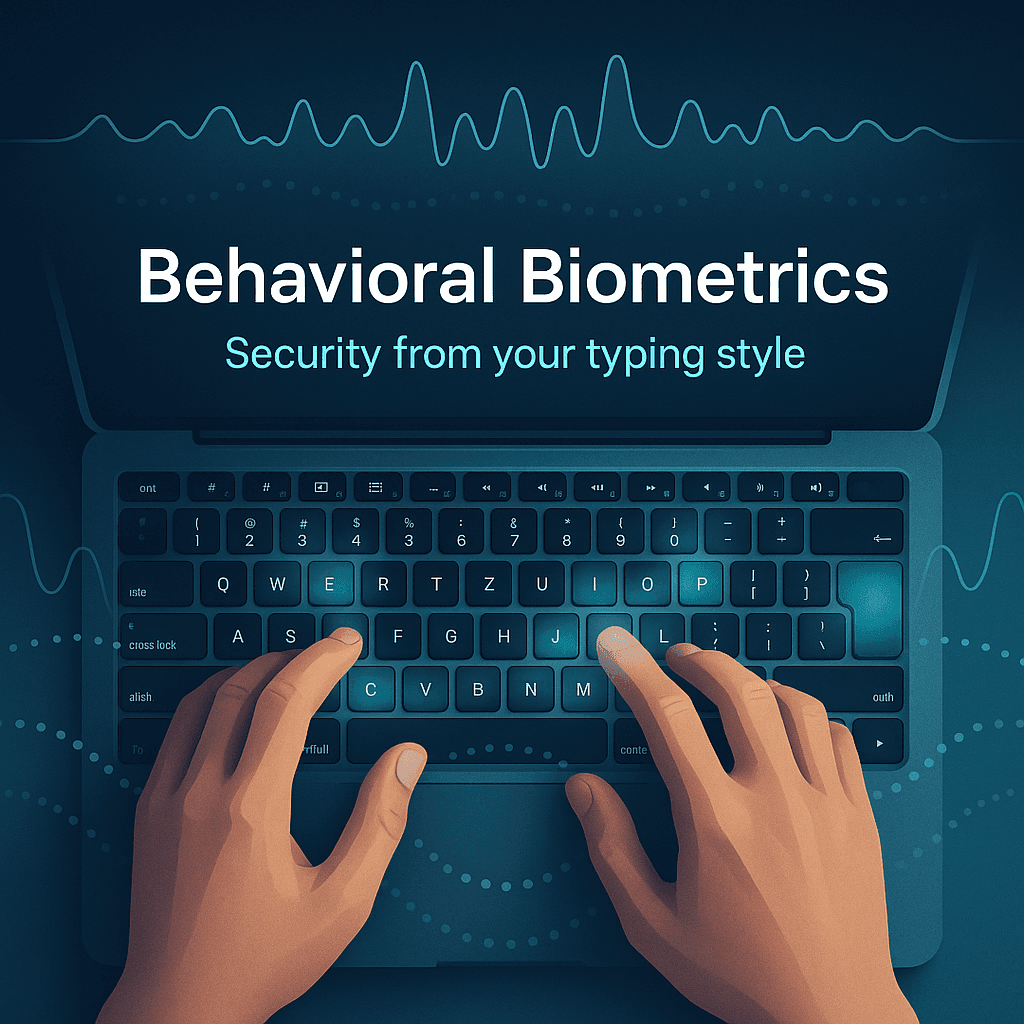
Your typing style is kind of a fingerprint
You probably know someone just by the way they text.
Short sentences. Lots of emojis. Too many exclamation marks. Or maybe they always write “ok.” with a period and it somehow feels intense.
Typing on a keyboard is similar. You have patterns you do without thinking.
How fast you type. How long you pause. Whether you hit backspace a lot. How you move between keys. Even the rhythm of it.
Behavioral biometrics tries to measure that pattern and use it as an extra layer of security.
Not to replace passwords entirely in most cases. More like… to catch the weird stuff that passwords cannot catch.
So what is behavioral biometrics, exactly?
Behavioral biometrics means identifying or verifying someone based on their behavior patterns.
If regular biometrics is “who you are” based on your body, like fingerprint or face, then behavioral biometrics is “who you are” based on your habits.
Simple analogy:
- Fingerprint scan is like checking your ID photo.
- Behavioral biometrics is like recognizing your friend by the way they walk into the room and start talking.
It is less about one perfect match and more about patterns that are hard to copy.
The typing version: keystroke dynamics
You will often hear the term keystroke dynamics. That is basically behavioral biometrics for typing.
Analogy for the technical term:
Keystroke dynamics is like listening to someone’s drumming pattern. Two people can play the same beat, but the timing and rhythm will still be slightly different.
Here are a few signals systems often look at:
- Dwell time: how long you hold a key down
- Analogy: how long you press a doorbell
- Flight time: time between releasing one key and pressing the next
- Analogy: the gap between footsteps when you walk
- Typing speed and rhythm: your overall tempo
- Analogy: your speaking pace in a conversation
- Error behavior: backspaces, corrections, retyping
- Analogy: how often you erase when you write with a pencil
None of these alone proves it is you. But together they can create a pretty strong pattern.
How it actually gets used in security
This part matters, because people assume it is some strict lock that blocks you if you type differently one day.
In real products, it is usually more like a silent background bouncer.
Behavioral biometrics often works as continuous authentication.
Analogy:
A password check is like a guard checking your ticket once at the door. Continuous authentication is like the guard occasionally looking over to confirm the person inside still matches the ticket holder.
So instead of only checking at login, the system may keep monitoring behavior during the session. If things suddenly look off, it can respond.
That response depends on the company and risk level. For example:
- Ask for an extra verification step (like a one time code)
- Limit certain actions (like changing banking details)
- Log the session out
- Flag it for review
The key idea is this: it adds friction only when something looks suspicious.
Why this is useful (even if you already have MFA)
MFA, multi factor authentication, is great. But attackers have gotten better at working around it.
Phishing sites can trick people into entering codes. Stolen session cookies can bypass login entirely. Some attacks happen after login, when the system assumes everything is fine.
Behavioral biometrics helps because it can notice things like:
- A login that “passes” but the typing style looks totally different
- A normal user who suddenly moves through forms like a robot
- A session that changes behavior midstream (like someone takes over)
Analogy:
MFA is like adding a second lock to the front door. Behavioral biometrics is like noticing the person inside is acting nothing like the homeowner.
Common types of behavioral biometrics (not just typing)
Typing is the cleanest example, but it is not the only one.
A few others you will see:
Mouse or touch behavior
How you move a mouse, how you scroll, how you tap on a phone.
Analogy: like recognizing someone by their handwriting, but the handwriting is how they swipe and click.
Device handling
Small motion patterns from sensors in phones, like how you hold it while walking.
Analogy: like recognizing someone by how they carry a backpack.
Navigation behavior
The path you usually take through an app or website.
Analogy: like noticing someone in your house keeps opening the wrong drawers.
Most systems combine multiple signals, because a single signal can be noisy.
“Is it tracking everything I type?”
This is a fair worry. The phrase sounds creepy if you imagine it reading your messages.
But in many implementations, the system is not interested in your actual words. It is interested in timings and patterns.
Analogy:
It is like hearing someone knock on a door and recognizing the rhythm, without needing to know what they are saying.
That said, privacy depends on the vendor and how it is implemented. So the honest answer is: it can be respectful, or it can be invasive, depending on the rules.
If you are choosing a solution for a business, you should ask basic questions like:
- Are you storing raw text, or only timing data?
- Is the data encrypted?
- How long is it retained?
- Can users opt out where required?
What can go wrong (because nothing is magic)
Behavioral biometrics is powerful, but it is not perfect.
A few real issues:
People change
Injury, stress, a new keyboard, switching from laptop to mobile. Your patterns shift.
Analogy: you might walk differently with a heavy bag, but you are still you.
Good systems handle this by adapting over time and using “confidence scores” instead of yes or no decisions.
False positives and false negatives
Sometimes it will challenge the real user. Sometimes it will miss an attacker.
Analogy: like a friend mistaking a stranger for you from far away, or not recognizing you with a hat on.
This is why it is usually used as a risk signal, not the only gate.
Bias and accessibility
Some users have motor impairments or use assistive tech. Their patterns may be more variable.
Any serious deployment needs accessibility testing and thoughtful fallback options.
Where you will see behavioral biometrics most
It shows up a lot in high risk environments:
- Banking and fintech apps
- E commerce checkout and account takeover protection
- Call centers and fraud prevention workflows
- Enterprise login systems for sensitive tools
Basically anywhere the cost of fraud is high enough to justify smarter detection.
The big takeaway
Behavioral biometrics is security that recognizes you by your patterns, like typing rhythm, not just by secrets like passwords.
It is not about being perfect. It is about adding another layer that is hard to steal.
A thief can copy your password. They can steal your phone. But copying the messy human way you type, pause, correct, and move through a site is harder. Not impossible, but harder.
And in security, “harder” is often the whole game.
If you remember one thing, make it this.
Passwords check what you know. Behavioral biometrics checks how you act. And those two together can catch a lot more than either one alone.
FAQs (Frequently Asked Questions)
What is behavioral biometrics and how does it differ from regular biometrics?
Behavioral biometrics identifies or verifies someone based on their behavior patterns, such as typing rhythm or device handling habits. Unlike regular biometrics that focus on physical traits like fingerprints or facial recognition, behavioral biometrics looks at “who you are” based on your habits and actions.
How does keystroke dynamics work as a form of behavioral biometric security?
Keystroke dynamics analyzes typing patterns such as dwell time (how long a key is held), flight time (time between keys), typing speed, rhythm, and error behavior like backspaces. These combined signals create a unique pattern that helps verify a user’s identity beyond just passwords.
In what ways is behavioral biometrics used to enhance security during user sessions?
Behavioral biometrics often works through continuous authentication by silently monitoring user behavior throughout a session. If unusual patterns are detected, the system can prompt for extra verification, limit actions, log out the user, or flag the session for review—adding friction only when suspicious activity occurs.
Why is behavioral biometrics valuable even when multi-factor authentication (MFA) is in place?
While MFA adds extra security layers, attackers have developed methods like phishing and stolen session cookies to bypass it. Behavioral biometrics detects anomalies post-login, such as different typing styles or robotic form navigation, helping to identify unauthorized access that MFA alone might miss.
What other types of behavioral biometrics exist besides typing patterns?
Other common behavioral biometrics include mouse or touch behavior (how you move and click), device handling (motion sensor data reflecting how you hold your phone), and navigation behavior (typical paths taken through apps or websites). Combining multiple signals improves accuracy.
Does behavioral biometrics invade privacy by tracking everything I type?
Typically, behavioral biometric systems focus on timing and pattern data rather than capturing actual text content. It’s like recognizing someone by the rhythm of their knock without hearing what they say. However, privacy depends on implementation; businesses should ask if raw text is stored, how data is encrypted, retention policies, and opt-out options.


