
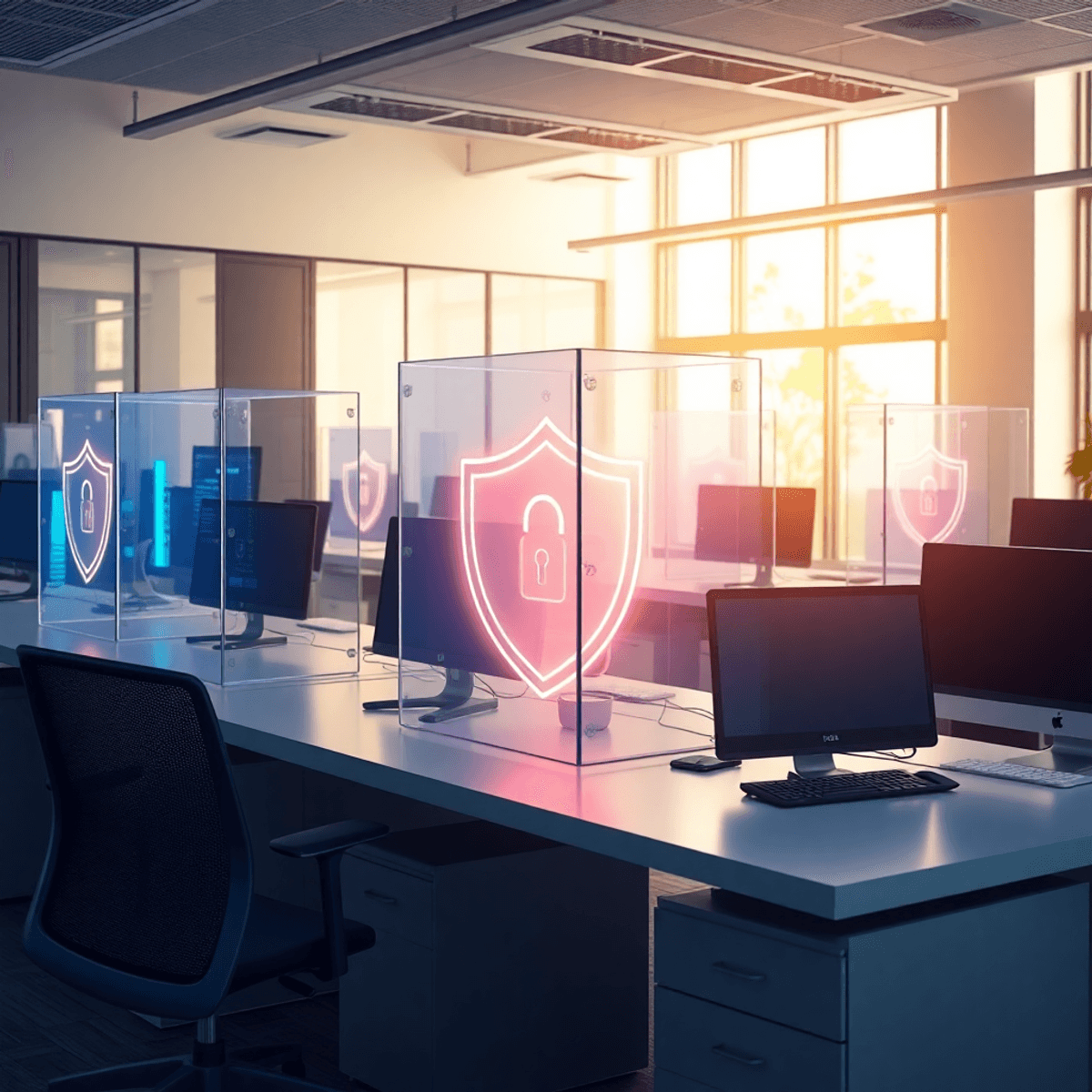

When people say “security” now, they usually mean passwords, MFA, phishing, ransomware, SIEM dashboards. All the online stuff. Which is fair, because that is where a lot of the noise is.
But security is also very literal. It is doors. Keys. Locks. Cameras. And the awkward reality that someone can just… pick up a laptop and walk out.
If you are spending time hardening endpoints and tightening cloud permissions but your server rack is unlocked in a shared closet, you have a blind spot. A big one.
This is the part nobody wants to talk about because it feels old school. Or it feels like “facilities”. But physical security is still IT security. Especially for the hardware you actually own.
The uncomfortable truth: stealing hardware is often easier than hacking it
Attackers do not always need to defeat your firewall. Sometimes they just need ten minutes alone.
A stolen laptop can mean saved browser sessions, cached credentials, local files, VPN access, customer data, internal docs, access tokens, all of it. Even if the device is encrypted, it can still be a problem depending on how the machine is configured and what the user had access to.
And servers. Switches. Backup drives. NAS devices. Those are even worse in some ways because they can contain lots of data and they might be sitting in a room that was never designed to be secure in the first place.
So yes, keep doing the online security work. Absolutely. Just don’t ignore the physical layer underneath it.
Start with the basics: what hardware would ruin your week if it vanished?
Before you buy anything or write a new policy, do a quick inventory in plain language:
- Which laptops travel the most?
- Which machines have admin tools, SSH keys, or privileged access?
- Where are your core servers, switches, firewall appliances, and backups physically located?
- Who can get into those rooms, and how easy is it?
- What is currently “secured” by assumption, like “nobody goes in there” or “the door is usually closed”.
If you can’t answer these quickly, that is the first fix. Not because inventory is fun. It is not. But because you can’t protect what you don’t track.
Locking server racks is not optional, it is the minimum
This is the reminder a lot of offices need. “Server room” is often just a storage room with a patch panel. Or a corner of an open office behind a half wall. Or a closet that cleaning staff can access.
At minimum:
- Use locking server racks, not open frames in shared areas.
- Keep rack keys controlled. Not “hanging on a hook near the rack”. Real control.
- If the rack can’t be locked, the room needs to be locked. Preferably both.
And while you are there, look for the quiet problems:
- Unused network ports that someone could plug into.
- Exposed console access on devices.
- Backup drives sitting on a shelf.
- Labels that basically tell an attacker what everything is. “FINANCE SERVER” is not a great label.
Locking the rack does not solve everything, but it raises the effort required. That is the point. Make “easy” less easy.
Control access like you actually mean it
A surprising number of organizations have “restricted areas” where the restriction is… vibes.
Tighten it up:
- Limit who has access to server rooms, network closets, and comms cabinets.
- Use badge access where possible, not shared keys.
- If you must use keys, track them. Who has which key, when it was issued, when it was returned.
- Remove access fast when roles change or employees leave. Same-day fast.
Also, don’t forget vendors and contractors. They often have legitimate reasons to be in sensitive areas, but “legitimate reason” is not the same thing as “unescorted and unlogged”.
If someone needs access, log it. Even a simple sign-in sheet is better than nothing. If you already have badge logs, review them sometimes. Not once a year. Sometimes.
Track company laptops like they matter (because they do)
If you only take one thing from this article, let it be this: tracking company laptops is part of security.
Not “we have an Excel sheet from 2022”. I mean real tracking:
- Maintain an up to date asset list: device name, serial number, assigned user, issue date, status.
- Use an MDM or endpoint management tool so you can see device health, encryption status, and last check-in.
- Make sure lost devices can be remotely locked or wiped.
- Standardize device naming so you can identify machines quickly.
Laptops are the most likely thing to disappear because they are designed to move. People take them to coffee shops, client sites, airports, coworking spaces, conferences. They get left in Ubers. They get stolen from cars. Sometimes they just never come back after a “work from home” transition.
Tracking is how you respond without panic. It is also how you prove what happened, which matters for compliance and insurance and internal accountability.
A quick note on laptop locks
Yes, cable locks are annoying. They are not perfect. But in certain environments, they help.
If you have an office where visitors walk through, or people hot desk, or contractors are in and out, a simple lock can stop casual theft. It is not meant to stop a determined attacker with tools. It is meant to stop the easy win.
Use them where it makes sense, and focus even more on encryption and remote wipe for when theft does happen anyway.
Protect the stuff people forget: backups, spare drives, old hardware
The “forgotten” hardware is often the easiest to take and the hardest to notice.
Look around for:
- External backup drives in drawers.
- Old laptops “kept just in case”.
- Spare SSDs and USB drives.
- Decommissioned servers waiting to be recycled.
- Printed documents with passwords, network diagrams, or serial numbers.
Backups are a big one. If your backups are portable and unencrypted, you have created a neat little data exfiltration kit for anyone who can access them.
At minimum:
- Encrypt backup media.
- Store it in a locked cabinet or safe, not an open shelf.
- Control who can access it.
- If you rotate offsite media, document the chain of custody. Who moved it, when, where it went.
Also, when hardware is retired, wipe it properly. Not “delete files”. Actual secure erase procedures, or physically destroy drives when appropriate. If you use a recycling vendor, make sure they provide certificates and that you trust them. “Trust” should include a contract and a process, not just a friendly email.
Cameras, alarms, and monitoring: useful, but only if you look at them
Cameras are not magic. They are evidence. Sometimes deterrence. But only if they are positioned well and actually recording.
If you have cameras:
- Make sure they cover entrances to sensitive areas, not just general office space.
- Ensure recordings are retained long enough to be useful.
- Confirm someone can access footage quickly when there is an incident.
- Test them. Don’t assume they work because the little LED is on.
Alarms and sensors can help too, especially for server rooms. Door open alerts, motion sensors after hours, environmental sensors for temperature and water leaks. Not everything is a “security breach”. Sometimes your biggest risk is a burst pipe above the rack.
Simple policies that prevent dumb incidents
Policies do not stop criminals. They do stop a lot of everyday mistakes. The “nobody meant harm” category.
A few that are worth having:
- Clean desk policy, especially for sensitive teams. No customer lists, passwords, or access cards left out.
- Visitor policy: visitors are escorted, visitor badges are used, and no wandering around alone.
- No unattended unlocked devices: if you walk away, lock the screen. Make it automatic with a short timeout.
- Hardware checkout and return: for loaner laptops, test devices, peripherals, anything that leaves the building.
- Incident reporting: make it easy to report lost equipment quickly without fear of getting yelled at. The faster you know, the faster you can act.
And honestly, train people like they are adults. No scare tactics. Just simple examples. “If your laptop gets stolen, here is what we do first. Here is who you call. Here is why speed matters.”
What “good enough” physical security looks like for most offices
Not everyone needs a high-security facility. Most companies just need to close the obvious gaps.
A decent baseline looks like this:
- Server racks are locked. Network closets are locked.
- Access is limited and tracked.
- Laptops are inventoried and managed, with encryption and remote wipe enabled.
- Backups and spare drives are secured and encrypted.
- Visitors do not roam freely.
- Cameras cover key areas and recordings are retained.
- Hardware disposal is handled properly.
You do not need to make it complicated. You just need to make it intentional.
Wrap up: security is not just online, and it never was
It is easy to get absorbed in digital threats because they are loud and constant and measurable.
But physical security is the quiet foundation. Locking server racks. Tracking company laptops. Knowing where your backups are. Controlling who can enter the rooms where your infrastructure lives.
If someone can physically take your hardware, they can often take your data too. Or at least create a very expensive mess.
So take an afternoon, walk the office, and look at your environment like an outsider would. The fixes are usually simple. And the payoff is real.
FAQs (Frequently Asked Questions)
Why is physical security still important in IT security?
Physical security is a critical part of IT security because hardware like laptops, servers, and backup drives can be stolen easily if not properly secured. Even with strong online protections, an unlocked server rack or unattended laptop can create significant vulnerabilities by giving attackers direct access to sensitive data and systems.
What are the risks of not locking server racks or securing server rooms?
Leaving server racks unlocked or server rooms unsecured can allow unauthorized individuals to physically access critical hardware such as servers, switches, and backup devices. This increases the risk of theft, tampering, or unauthorized network access, potentially compromising sensitive company data and disrupting operations.
How should organizations control access to sensitive physical areas like server rooms?
Organizations should limit access to server rooms and network closets by using badge access systems instead of shared keys where possible. Keys must be tracked carefully—documenting who has them and when they are issued or returned—and access should be revoked immediately when employees change roles or leave. Vendor and contractor access must also be logged and supervised to prevent unauthorized entry.
What steps can companies take to effectively track company laptops?
Effective laptop tracking involves maintaining an up-to-date asset list with device details (name, serial number, assigned user, issue date), using Mobile Device Management (MDM) tools to monitor device health and encryption status, enabling remote lock/wipe capabilities for lost devices, and standardizing device naming conventions. This helps quickly identify missing devices and respond appropriately.
Are cable locks for laptops effective in preventing theft?
While cable locks are not foolproof against determined attackers with tools, they serve as a deterrent against casual theft in environments with visitors, hot desking, or contractors. Cable locks help prevent easy wins by opportunistic thieves but should be complemented with strong encryption and remote wipe capabilities for comprehensive protection.
What overlooked hardware items pose security risks if not properly protected?
Forgotten hardware such as external backup drives stored in drawers, old laptops kept ‘just in case,’ spare SSDs and USB drives, decommissioned servers awaiting recycling, and printed documents containing passwords or network diagrams are often easy targets for theft. These items need proper physical security measures because their loss can lead to data breaches or operational disruptions.


