
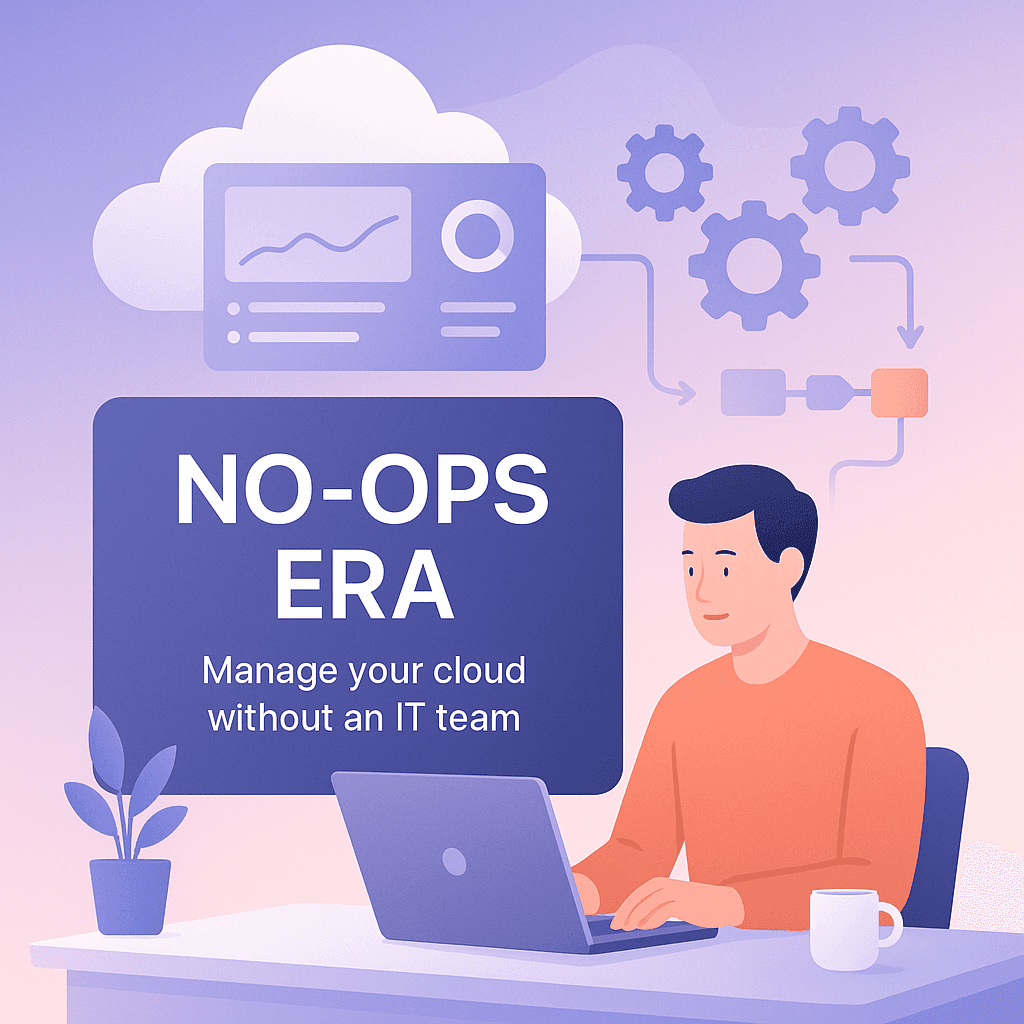

Not the flashy kind where somebody announces a new AI feature and everyone pretends they understand it. More like… a slow realization that a lot of “operations work” is getting baked into the platforms themselves. Less babysitting. Less patching. Less clicking around at 2am because a server decided it wanted attention.
And if you run a small business, a startup, or even a solo product, this matters because you might not have an IT team. You might not even have an “IT person”. You have someone who is “kind of technical”, and a founder who has watched two AWS tutorials and now has dangerous confidence.
This is where the whole “No-Ops” idea comes in.
Not literally zero operations, because that’s not real. But closer to… operations as a product. You’re buying the system that runs the system. You’re letting managed services handle the stuff you used to hire for.
So you can manage your cloud without an IT team. You can. But you need to do it in a specific way or you just end up creating chaos faster.
Let’s talk about what No-Ops actually looks like, what you still have to own, and a practical setup that won’t ruin your week.
What “No-Ops” actually means (and what it doesn’t)
No-Ops is often pitched like a utopia.
You deploy code, it scales, it heals itself, it updates, it’s secure, your costs stay low, and you never touch a terminal again.
That is… not how it goes.
A better definition is:
No-Ops is when you deliberately choose managed services and workflows so you don’t need a dedicated operations team to keep things running day to day.
You’re not deleting responsibility. You’re shifting it.
Instead of managing servers, you manage:
- service choices (what you’re building on)
- configuration and permissions
- deployment workflows
- budgets and guardrails
- incident response basics
So the job changes from “keep the servers alive” to “make good decisions so the platform can keep itself alive.”
That’s still ops. Just lighter. More leverage, less toil.
Why this era even exists now
A few things have matured enough that small teams can do what used to require a full stack of specialists.
1. Managed infrastructure got boring (in a good way)
Databases, queues, caches, object storage, CDN, secrets managers, container platforms. These are now services you can click into existence and mostly trust.
Not perfect. But stable enough that you’re not constantly fighting the underlying machinery.
2. “Platform engineering” ideas trickled down
Big companies built internal platforms so dev teams could ship without constantly negotiating with ops.
Now that concept is basically available off the shelf. You don’t have to build the platform. You can rent it.
3. Better defaults, better automation
Auto scaling, auto healing, infrastructure templates, managed TLS, managed identity, managed backups. Even logging and monitoring are easier to turn on than they used to be.
It’s still possible to set it all up badly. But the baseline got higher.
The No-Ops promise (and the catch)
Here’s the good part first.
If you do this right, you get:
- fewer moving parts you personally maintain
- less time spent “keeping things up”
- faster deployments with less fear
- more predictable security posture (because you stop inventing your own)
- the ability to run production systems with a small team
The catch is that No-Ops punishes sloppy thinking.
If you’re careless, you don’t get “no ops”. You get “ops debt”.
And ops debt shows up as:
- bills that quietly triple
- permission sprawl
- mystery outages nobody can explain
- “we should’ve had monitoring” moments
- security holes because nobody owned patching or keys
The goal is not to avoid responsibility. The goal is to build a system that needs less of your attention to stay healthy.
The core principle: choose services that remove entire categories of work
If you want to run cloud without an IT team, stop choosing things that create jobs.
A simple example.
Running your own database on a VM creates a permanent list of tasks:
- patching OS
- patching database engine
- tuning memory and disk
- backups and restores
- replication
- failover
- monitoring
- disk growth planning
A managed database (RDS, Cloud SQL, Azure SQL, etc) doesn’t remove all of this, but it removes enough that you can survive without a DBA.
Same idea for other layers:
Compute
- Prefer serverless functions or managed container platforms (Cloud Run, ECS Fargate, Azure Container Apps)
- If you do use Kubernetes, understand that “managed Kubernetes” is not the same as “no ops”. Kubernetes is ops, even when it’s managed.
Storage and delivery
- Object storage + CDN is the easiest win in cloud. Static sites, media, downloads, backups. Put them on S3 or equivalent. Add a CDN. Done.
Networking and TLS
- Use managed load balancers.
- Use managed certificates (ACM, Cloudflare, etc).
- Don’t manually renew certificates. Please.
Identity and secrets
- Use your cloud IAM properly.
- Use a secrets manager. Even if it’s just one.
The No-Ops approach is basically: don’t adopt tools that require you to become a mini cloud provider.
Your “No-Ops” stack, realistically
If I had to outline a baseline stack for a small team trying to be sane, it would look like this.
Not as a universal truth. More like a stable starting point.
1. One cloud provider, one region (at first)
Multi cloud is not a badge of honor. It’s extra surface area.
Pick one provider. Pick one region near your customers. Grow later.
Even “two regions for redundancy” is a decision you earn after you can operate one region cleanly.
2. A managed deployment path
You need a simple way to go from code to production that doesn’t involve anyone SSHing into anything.
Common options:
- GitHub Actions deploying to your platform
- managed CI in GitLab
- a platform’s built in deploy system (like Vercel, Render, Fly, etc)
The important part is repeatability. If deployment is a ritual, you will avoid it, and then you’ll be scared of production.
3. Managed database with automated backups
This is non negotiable unless you enjoy pain.
- turn on automated backups
- test a restore at least once
- know where point in time recovery lives
- set deletion protection if you can
4. Centralized logs, basic metrics, and alerting
No-Ops doesn’t mean “no monitoring”. It means you choose something easy enough that you actually use it.
At minimum you want:
- application logs centralized (even if it’s just the platform’s log viewer)
- a few metrics: error rate, latency, CPU, memory, database connections
- alerting: something that pings you when the system is obviously broken
Alerting is the part people mess up. Either no alerts at all, or a thousand alerts and you ignore them all.
Start with a tiny set of alerts that reflect user pain. 5xx spikes. latency spikes. queue backlog. database out of space. payment webhook failures. Stuff like that.
5. Infrastructure as code, but keep it small
This is where some people either overdo it or refuse it entirely.
You don’t need a giant Terraform monorepo with ten modules and a CI pipeline to “validate plans”.
But you do need your infrastructure to be reproducible.
A lightweight approach:
- use Terraform or Pulumi for core things: database, networking, buckets, IAM roles
- keep it in a small repo
- document how to apply changes
- limit who can run it
Even if you only have one engineer, you still want “future you” to be able to rebuild.
The stuff you still have to do (yes, even in No-Ops)
Here’s the honest list.
You still need ownership of security
Managed services reduce patching work, but they don’t stop mistakes like:
- public buckets
- leaked API keys
- overly broad IAM policies
- no MFA on admin accounts
- production credentials used in dev
- no audit logs
No-Ops security basics that actually matter:
- enforce MFA
- use separate accounts/projects for dev and prod
- least privilege IAM (start with restrictive, expand as needed)
- store secrets in a secrets manager, not in env files committed to git
- rotate keys when someone leaves
- enable audit logging
This is boring, and that is the point. Boring security is healthy security.
You still need cost control
Cloud is pay per use, which is great until you forget it’s pay per use.
No-Ops does not prevent a runaway bill. In some cases it makes it easier to accidentally spend, because scaling is easier.
Practical cost guardrails:
- set a monthly budget alert (multiple thresholds, like 50%, 80%, 100%)
- tag resources consistently
- avoid “anything that autos-scales without limits” unless you set limits
- schedule non production environments to shut down if possible
- watch your biggest line items weekly for the first few months
The fastest way to ruin No-Ops is to treat cost like accounting’s problem.
You still need incident response, even if it’s tiny
You might not have a pager rotation. Fine.
But you need:
- a documented “what to check first” page
- access paths (who can log in, where are credentials stored)
- a rollback plan for deployments
- a status page or at least a way to communicate outages
A simple incident doc is enough. A Google Doc is enough.
Most downtime is not a mysterious cloud failure. It’s deployments, config changes, expired keys, quota limits. Normal stuff.
No-Ops anti-patterns (how small teams accidentally create ops)
A few common traps I see.
1. Choosing Kubernetes too early
Kubernetes can be a great platform. But it’s not a shortcut. It’s a commitment.
If you don’t have someone who enjoys operating systems and networks and debugging weird cluster issues, you’re going to have a bad time.
A managed container platform often gives you 80% of the value with 20% of the cognitive load.
2. Building your own platform inside AWS
This one is sneaky.
People start with “just an EC2 instance”. Then they add a load balancer. Then autoscaling. Then Packer images. Then they’re doing blue green deployments manually. Then they have three VPCs and a VPN and nobody remembers why.
Now you have ops. You just didn’t hire for it.
If you want No-Ops, prefer higher level primitives.
3. “We’ll do monitoring later”
Later is when you’re down and guessing.
At least have error tracking and basic uptime checks from day one.
4. One shared admin account
This is the classic small team move. One login, shared password.
It works until it doesn’t. And when it doesn’t, it’s catastrophic.
Use individual accounts. Use roles. Use MFA. You can still keep it simple.
A simple “No-Ops playbook” you can actually follow
If you want a checklist that doesn’t pretend you have 6 weeks to redesign everything, here.
Week 1: Stabilize and get visibility
- centralize logs
- add error tracking (Sentry or equivalent)
- add basic uptime checks
- set budget alerts
- write a one page “how to deploy” and “how to rollback”
Week 2: Remove the biggest operational burden
- migrate self hosted database to managed database (if applicable)
- enable automated backups and test restore
- store secrets in a secrets manager
Week 3: Make deployments boring
- move to CI based deployment
- add environment separation (dev, staging, prod)
- add a basic approval step for prod deploys if you keep breaking things
Week 4: Lock down access and reduce risk
- enforce MFA
- remove shared credentials
- narrow IAM permissions
- enable audit logs
- add deletion protection on critical resources
After that, iterate based on pain. If you’re constantly dealing with scaling, pick more managed compute. If you’re constantly dealing with performance, add caching. If you’re constantly dealing with costs, set tighter limits and recheck architecture.
No-Ops is not one migration. It’s a style of decision making.
When you still need an IT person (or a consultant)
No-Ops can cover a lot, but there are moments where it’s smart to bring in help.
- compliance requirements (SOC 2, HIPAA, ISO) that require formal controls
- complex networking (hybrid setups, dedicated links, private connectivity)
- high availability across regions with real failover testing
- security incidents
- major performance bottlenecks where architecture needs to change
The trick is, you don’t need a permanent team for all of that.
Sometimes you need 10 hours of a specialist once a quarter. Or a quick architecture review before a big launch. That’s still aligned with No-Ops. You’re buying expertise when you need it, not carrying payroll to keep the lights on.
The real point of No-Ops
This is what it comes down to.
No-Ops is not about being cheap. It’s about being focused.
If you’re a small team, your advantage is speed and clarity. You can ship. You can talk to customers. You can iterate without meetings about meetings.
Traditional ops work, especially self-managed infrastructure, can quietly eat that advantage. It turns the business into a maintenance shop.
So the No-Ops era is basically the cloud growing up. The platforms are finally good enough that small teams don’t have to pretend they’re running a data center.
You still need discipline. You still need guardrails. You still need to care.
But you don’t need an IT team just to exist in production anymore. And honestly, that’s a big deal.
FAQs (Frequently Asked Questions)
What does ‘No-Ops’ mean in cloud technology?
No-Ops refers to deliberately choosing managed services and workflows so you don’t need a dedicated operations team to maintain day-to-day operations. It shifts responsibility from managing servers to managing service choices, configurations, deployment workflows, budgets, and incident response basics — essentially lighter, more leveraged operations.
Why is the No-Ops approach becoming feasible now for small teams?
Several factors make No-Ops viable today: managed infrastructure services have become stable and easy to use; platform engineering concepts from big companies are now available off the shelf; and automation features like auto scaling, auto healing, managed backups, and easier monitoring have improved defaults and reduced operational toil.
What are the benefits of adopting a No-Ops strategy?
Adopting No-Ops can lead to fewer moving parts to maintain personally, less time spent on keeping systems up, faster deployments with less fear, a more predictable security posture by relying on managed services rather than custom solutions, and the ability to run production systems effectively with a small team.
What risks or challenges come with a No-Ops approach?
No-Ops punishes sloppy thinking. Carelessness can lead to ops debt manifesting as unexpectedly high bills, permission sprawl, unexplained outages, missing monitoring setups, and security holes due to neglected patching or key management. The goal is not avoiding responsibility but building systems that require less hands-on attention while maintaining health.
How should small teams choose cloud services to align with No-Ops principles?
They should select managed services that eliminate entire categories of operational work. For example, use managed databases instead of self-hosted ones to avoid patching and backups; prefer serverless functions or managed container platforms; leverage object storage plus CDN for static content delivery; use managed load balancers and automatic TLS certificate renewal; and utilize cloud IAM and secrets managers properly.
What does a practical baseline No-Ops stack look like for small teams?
A good starting point includes selecting one cloud provider in a single region to reduce complexity; using managed databases (like RDS or Cloud SQL); preferring serverless or managed container compute options; leveraging object storage with CDN for static assets; using managed networking components including load balancers and certificate management; and employing proper identity and secrets management tools. This setup balances simplicity with operational efficiency.


