
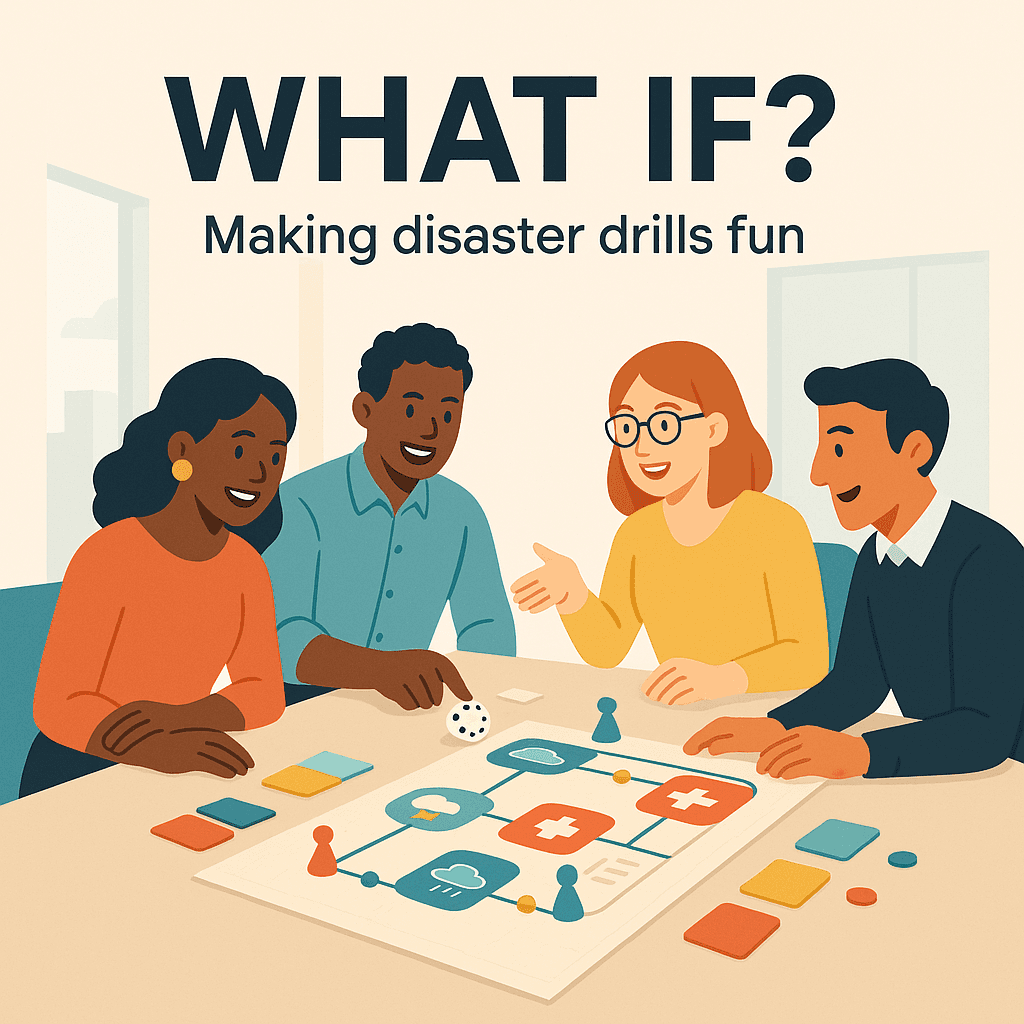

Most people hear “drill” and picture a clipboard, a siren, and someone reading instructions in a voice that makes you want to fake a calendar invite. Then everyone forgets what happened by lunch.
But it does not have to be like that.
One of the easiest ways to get real engagement is to stop calling it a drill, at least in how you run it. Treat it like a game. Specifically, the “What if?” game.
Not childish. Not goofy. Just human. Curious. A little competitive. And actually useful when something breaks at 2:13 am.
Why drills usually flop
Most drills fail for a simple reason. They feel disconnected from reality.
They are often too scripted, too polite, and too focused on checking a box. Like a fire drill where everyone already knows the route, so nobody looks up. Everyone’s body is walking, but their brain is somewhere else.
Real disasters are messy. Alerts are confusing. People are out sick. A key system is down. Someone posts in the wrong Slack channel. That one person who “knows the thing” is on a plane.
So if your drill is perfect, it is kind of training people for the wrong event.
The “What if?” format fixes that. It makes drills feel like real life. Short, surprising, and slightly chaotic in a safe way.
First, define “disaster” in plain language
If you work in tech, you might hear terms like incident, outage, business continuity, RTO, RPO.
Here’s the simple version:
- Incident: something broke and users notice. Like your car sputtering on the highway.
- Outage: a bigger incident where a service is down. Like your car will not start at all.
- Business continuity: how you keep operating during the mess. Like having a spare tire and a plan to still get to work.
- RTO (Recovery Time Objective): how fast you want to be back. Like saying, “I need a tow within 30 minutes.”
- RPO (Recovery Point Objective): how much data you can afford to lose. Like saying, “I can live with losing the last 10 minutes of my notes.”
You do not need everyone to memorize these. You just need everyone to understand the story: what could go wrong, who does what, and how you recover.
The core idea: turn the drill into a short game
The “What if?” game is basically a choose your own adventure, but for your workplace.
You present a scenario. The team reacts. You add a twist. They react again. The goal is not to “win”. The goal is to practice thinking clearly together.
Think of it like a kitchen fire.
You do not just want people to know “there is a fire extinguisher.” You want them to know where it is, how to use it, and who is calling 911 while someone else gets people out. Under stress.
Same concept. Different tools.
What makes it fun, without making it silly
Fun does not mean jokes and prizes and party hats.
Fun means:
- People get to talk.
- People get surprised.
- People get to solve a puzzle together.
- People feel safe to say, “Wait, I do not know.”
That last one is huge. A good drill makes it normal to not know. Because not knowing during a drill is how you avoid panicking during the real thing.
How to run a “What if?” session (the simple format)
Keep it tight. 45 to 60 minutes is plenty.
1) Pick one realistic scenario
Not ten. One.
Examples:
- “What if our website is up, but checkout is failing for half of users?”
- “What if we get a ransomware note on a shared drive?”
- “What if a key vendor goes down and we cannot process payments?”
- “What if a storm knocks out power at the office, and the VPN is overloaded?”
Choose something that could actually happen. If you pick a meteor strike scenario, people treat it like a joke. Even if your intentions are good.
2) Assign simple roles
Do not overcomplicate it.
- Facilitator: runs the game, drops the twists.
- Incident lead: the person coordinating.
- Comms lead: handles updates to staff, customers, leadership.
- Ops lead: the “hands on keyboard” person.
- Observer: takes notes on confusion, gaps, delays.
If your org is small, one person can wear multiple hats. Just be clear who is speaking from what role.
3) Set the rules of the game
Say this out loud:
- This is practice, not a test.
- You can pause and ask questions.
- We are looking for weak spots in systems, docs, and handoffs.
- No blame. We are here to improve the machine, not shame the operator.
People relax when you say it plainly.
4) Start with the first “What if?”
Open with something specific, like a movie scene:
“It is Tuesday, 10:17 am. Support tickets spike. A few customers say payments fail. Monitoring looks normal. What do you do in the first 5 minutes?”
Make them answer in order:
- What do you check first?
- Who do you alert?
- Where do you coordinate, Slack channel, call, war room?
- What is the first message to leadership or support?
5) Add a twist every 5 to 10 minutes
This is where it gets interesting.
Good twists are small but painful. Like real life.
Examples:
- “The on call engineer is in the subway with no signal for 20 minutes.”
- “Your status page vendor is also down.”
- “The error logs are delayed.”
- “A customer posts on social media tagging your CEO.”
- “Two teams start working the same issue separately.”
Each twist should force a decision, not a debate marathon.
6) End with a clean debrief
Do not skip this. The debrief is where the value sticks.
Ask three questions:
- What went well?
- What was confusing or slow?
- What will we change before the next drill?
Then assign owners. If nothing gets owned, nothing changes.
A sample “What if?” script you can steal
Here’s a simple one you can run with almost any team.
Scenario: Checkout failures, partial outage.
Round 1 (0 to 10 minutes)
“What if support reports 30 complaints in 15 minutes about checkout failing, but monitoring is green?”
Look for: do they trust support signals, do they know where to gather, do they know what logs to check.
Round 2 (10 to 20 minutes)
“What if engineering finds elevated 500 errors on one service, but only in one region?”
Analogy for region: like one of your store locations is having a problem, not all stores.
Look for: do they know how to route traffic, do they know who can make that change.
Round 3 (20 to 30 minutes)
“What if a deploy happened 25 minutes ago, but the deploy dashboard is down?”
Analogy for deploy: like changing a part in a machine while it is running.
Look for: do they have a rollback plan, do they know how to confirm what changed.
Round 4 (30 to 40 minutes)
“What if your comms lead gets a message: a big customer is threatening to churn unless you give an ETA in 10 minutes?”
Analogy for ETA: a delivery estimate, but for fixes.
Look for: can they communicate uncertainty without panicking or overpromising.
Round 5 (40 to 50 minutes)
“What if it turns out the issue is payment provider latency. Not your code.”
Analogy for latency: like a slow waiter. The food is coming, but it is taking too long.
Look for: escalation path with vendors, fallback options, customer messaging.
Debrief (50 to 60 minutes)
Capture gaps. Assign fixes.
Small tricks that make people actually show up next time
Keep score, but only on process
If you want a game feel, track a few light metrics:
- Time to open an incident channel
- Time to first internal update
- Time to first customer facing update
- Number of duplicated efforts caught early
Do not score individuals. Score the system. Like a team sport.
Use props, lightly
A shared doc called “Incident Log” that everyone updates in real time.
A timer on screen.
A single slide with the scenario.
That’s enough. You are not producing a theatre show.
Rotate who leads
If the same person always leads, everyone else stays passive.
Rotate the incident lead so people build muscle memory. You are training a bench, not just a star player.
Make one change visible after every drill
Even one small improvement helps people believe the drill matters.
Examples:
- Update the on call handoff doc.
- Create a status update template.
- Add a missing phone number list.
- Fix a permission issue that blocked access.
People love seeing the machine get better.
Common mistakes to avoid
- Making it too long. After 60 to 75 minutes, brains melt.
- Making it too rare. Once a year feels like punishment. Quarterly is a good start.
- Making it too technical for everyone. If a non technical team is involved, translate terms. Use analogies. Keep it human.
- Treating it like an exam. If people feel judged, they hide confusion. Then you lose the whole point.
- Skipping comms. Many disasters are not “fixing” problems, they are “explaining” problems while fixing them.
The real win: trust under pressure
A good “What if?” session does something subtle.
It makes people trust each other more.
They learn who stays calm, who needs clear tasks, who communicates well, where the documentation is thin, where approvals get stuck. All the stuff you only discover when something is on fire.
And then, when the real incident hits, the team does not have to become a team in that moment. They already are one.
So yeah. Run your drills.
Just do not run them like chores. Run them like the “What if?” game. A little tension. A little curiosity. Real practice, in a room where it is safe to be wrong.
FAQs (Frequently Asked Questions)
Why do traditional disaster drills often fail to engage participants effectively?
Traditional disaster drills often fail because they feel disconnected from reality, being too scripted, polite, and focused on checking boxes. Participants tend to go through the motions without true engagement, as real disasters are messy and unpredictable, unlike the perfect scenarios presented in typical drills.
What is the ‘What if?’ game approach to disaster drills and how does it improve engagement?
The ‘What if?’ game turns disaster drills into short, interactive scenarios where teams respond to realistic and surprising challenges with twists added every few minutes. This format mimics real-life chaos in a safe environment, encouraging curiosity, communication, and problem-solving, making drills more engaging and useful.
How should a ‘disaster’ be defined in plain language for effective drill participation?
A disaster can be simply defined as an incident where something breaks and users notice; an outage when a service is down; business continuity as how operations continue during disruption; RTO (Recovery Time Objective) as how quickly recovery is needed; and RPO (Recovery Point Objective) as how much data loss is acceptable. Understanding these helps everyone know what could go wrong and how to respond.
What roles are recommended for running a successful ‘What if?’ disaster drill session?
Key roles include: Facilitator who runs the session and introduces twists; Incident Lead coordinating the response; Comms Lead managing communication with staff and stakeholders; Ops Lead handling technical actions; and Observer noting confusion or gaps. In smaller organizations, one person may take multiple roles but clarity is essential.
What makes a disaster drill ‘fun’ without being silly or trivial?
Fun in disaster drills means creating an environment where people talk openly, get surprised by realistic challenges, solve puzzles together, and feel safe admitting uncertainty. This encourages learning and reduces panic during real incidents without resorting to jokes or gimmicks.
How should a ‘What if?’ disaster drill session be structured for maximum effectiveness?
Keep sessions tight—45 to 60 minutes focusing on one realistic scenario. Start with clear rules emphasizing practice over testing. Present a specific initial situation prompting immediate responses. Add small but impactful twists every 5-10 minutes to simulate real-life complications. Finish with a thorough debrief to discuss lessons learned and improvements.


