
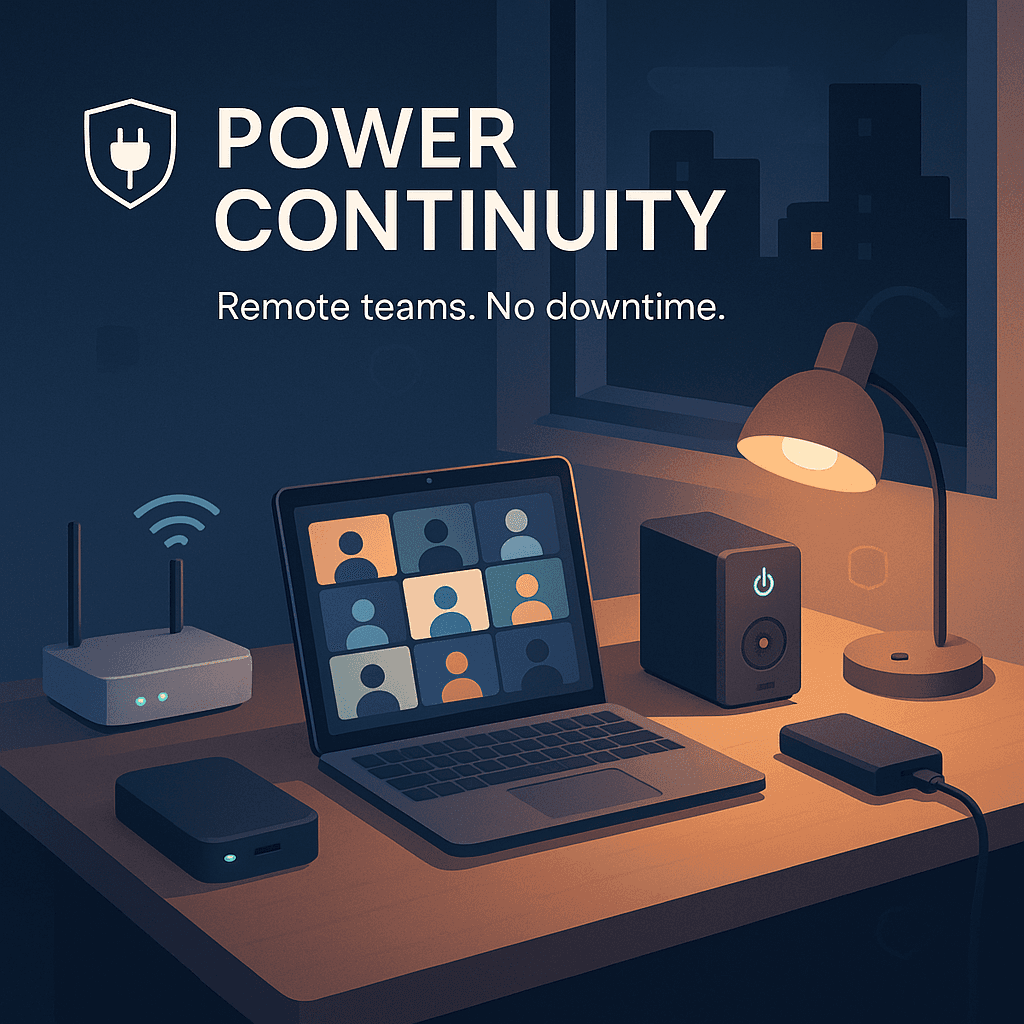

That electricity is just… there. Like WiFi. Like air.
And most days, sure. It is.
But if you manage a remote team across different cities, countries, or even different parts of the same state, you eventually run into the ugly version of reality. Rolling blackouts. Storm outages. Grid failures. Heat waves. Construction accidents. A transformer blowing up at the worst possible moment. All that fun stuff.
When the power drops, it is not just one person being mildly inconvenienced. It becomes missed standups, client calls disappearing mid sentence, lost work, corrupted files, half the team thinking the other half is ignoring them, and managers trying to coordinate in a fog.
The good news is you can build real continuity without turning your company into a disaster prep bunker. You just need a plan, a few standards, and the right mix of redundancy.
This is that plan.
The real cost of blackouts (it is not just “lost hours”)
Most teams underestimate the damage because they picture it as an hour or two of downtime. People will “catch up later.”
But the hidden costs stack up fast:
- Broken communication loops. One person goes offline and suddenly decisions stall. Someone else waits, then pings again, then the whole thing turns into a thread of “are you there?”
- Meeting collapse. If your client call depends on two key people and one drops, you do not just lose that meeting. You lose momentum and trust.
- Context loss. People forget what they were doing. They come back scattered, reopen tabs, reorient, and waste time.
- Data loss. Unsaved work, half uploaded files, corrupted local databases, draft proposals that were “almost done.”
- Security risks. People scramble onto random networks, use personal devices, or share sensitive info in the wrong channel because they are improvising.
If you are remote first, power continuity is part of your operations. Not a personal problem employees should “figure out.”
Step one: map where you are vulnerable (simple, not dramatic)
You do not need a 40 page risk assessment document. You need a shared understanding of exposure.
Start with a lightweight audit:
- Where does the team live? Country, region, city. Not for micromanaging, but for risk awareness.
- What is the outage pattern? Some areas have rare but severe outages (storms). Others have frequent short blackouts (grid instability). Some have scheduled load shedding, which is predictable and actually easier to manage.
- Who are the “critical path” roles each day? The people whose absence blocks delivery. Tech lead on deploy day. Account manager during renewal week. Support lead on weekends. That sort of thing.
- Which workflows are fragile? Anything that requires synchronous attendance or access to specific infrastructure at specific times.
Put this in a one page internal doc. Update quarterly. Done.
Set a baseline: what you expect every remote employee to have
This is where most companies get weird. They either demand too much (“everyone must buy a generator”) or nothing at all (“good luck out there”).
The sane approach is a baseline kit that matches your operating needs. You can frame it like this:
Minimum standard for power resilience (recommended):
- A laptop with a functional battery that holds a reasonable charge.
- A phone with hotspot capability.
- At least one backup power option that can keep the laptop and phone alive long enough to finish critical work or communicate status.
That is the baseline. Not perfection. Just enough to prevent total disappearance.
Three common funding models:
- Company provided equipment: best control, higher admin.
- Stipend: simple, flexible, harder to standardize.
- Reimbursement with approved items: good middle ground.
If you choose a stipend, attach clear guidance. Otherwise people buy random cheap power banks that cannot actually charge a laptop.
The core kit: what actually works during an outage
Let’s keep this practical.
1. A UPS for the router (small thing, big impact)
A lot of people think “power outage equals internet outage.” Not always.
If the local ISP infrastructure is still live and only the home power is out, the internet can keep working if the router has power.
A small UPS (uninterruptible power supply) dedicated to the modem and router can keep connectivity alive for a while. Sometimes long enough to finish a call, send updates, and avoid panic.
And honestly, that is often the difference between “I vanished” and “I am on battery, here is my plan.”
2. A laptop power bank (but make sure it is the right kind)
Not all power banks are equal. The cheap ones that charge a phone twice are not the same as something that can power a laptop.
For laptops, you generally want:
- USB C Power Delivery support
- Enough watt output for the laptop (many need 45W to 100W)
- Sufficient capacity to matter, not just a 10 minute boost
This is one of those areas where specifying a minimum spec helps. Otherwise employees spend money and still cannot work.
3. A second internet path
Power is one issue. Connectivity is another. Often they fail together.
A reliable backup path usually looks like one of these:
- Phone hotspot as a fallback
- A secondary ISP (some roles only)
- A portable hotspot device for critical staff
You do not need everyone to have dual internet subscriptions. But you do need a plan for the roles that cannot go dark during key windows.
4. Headset, offline notes, and the “boring” stuff
This sounds small, but during chaos the basics matter.
- A decent headset so someone can take a call from a noisy cafe or phone connection.
- Offline access to key docs, runbooks, customer contacts, and incident procedures.
- A way to work without relying on fifteen cloud tabs being open.
The goal is not to make people work during disasters. The goal is to let them communicate clearly and wrap up critical tasks safely.
Build an outage communication protocol (so nobody improvises)
This is the piece that saves managers.
When power drops, you need predictable behavior. Not everyone doing their own thing.
Create a simple outage protocol like this:
The “3 messages” rule
When someone loses power or connectivity, they send three quick updates when possible:
- Status: “Power out, on phone battery.”
- Estimate: “Likely back in 2 hours” or “unknown” is fine.
- Next step: “I will monitor on mobile. If not back by 3pm, reassign X.”
That is it. No long explanations.
Define the channels
- Primary channel: Slack or Teams
- Backup channel: SMS or WhatsApp group for the team, or a phone tree for managers
- Emergency only: a personal number list stored securely (and used responsibly)
If Slack is down or the user cannot connect, you still need a path.
Add a “silent window” expectation
One of the biggest stressors in outages is the feeling of being ignored.
Set a rule like: if someone cannot be reached for 60 to 90 minutes during a known blackout period, it is assumed they are offline, not negligent. The team proceeds with contingency steps.
This takes the emotional charge out of it.
Make your work less fragile (asynchronous is continuity)
Power continuity is not only about batteries. It is also about how you work.
If your process requires everyone to be online at the same time, you are always one outage away from a mess.
A few shifts that make outages easier to absorb:
Document decisions by default
If a decision is made in a meeting, it gets written down right after. Not later.
When someone drops due to power loss, they can catch up quickly and you avoid rehashing.
Move status updates into predictable rhythms
Daily standups can be async when needed. Use a template:
- What I did yesterday
- What I am doing today
- Blockers
- If I go offline, here is what can move without me
Not every day needs a live call. Keep the live calls for when they actually matter.
Reduce single points of failure
If only one person can deploy, only one person has the client context, only one person knows the billing system, you have a continuity problem. Even without blackouts.
Cross training is boring. Also it is what keeps companies alive.
Create “continuity tiers” for roles (not everyone needs the same setup)
You will burn money if you treat every role the same. You will also create resentment if you do nothing and expect heroics.
Instead, define tiers.
Tier 1: Mission critical availability
Examples: on call engineers, incident commander, support lead, account manager during renewals.
Suggested support:
- Laptop power bank that can run a full work session
- Router UPS
- Portable hotspot device or reimbursement for higher data plan
- Optional co working access for quick relocation
Tier 2: Time sensitive contributors
Examples: project managers, engineers during launch week, content leads during campaigns.
Suggested support:
- Laptop power bank
- Clear relocation options (nearby coworking list, team approved cafes)
- Offline access to docs
Tier 3: Standard roles
Most of the team.
Suggested support:
- Basic backup power guidance
- Outage protocol and expectations
- Option to expense a smaller kit within limits
This makes the whole thing feel fair and intentional. Because it is.
Plan for “work relocation” without making it weird
Sometimes the best backup is just leaving the house.
But do not wait until the blackout happens to figure out where people should go. That is when everyone discovers the cafe has no outlets and the coworking space is full.
Do this instead:
- Maintain a shared list of reliable work locations by city. Coworking day passes, libraries, cafes with power.
- Encourage employees to scout one backup spot near them in advance.
- For Tier 1 roles, consider paying for a coworking membership or a limited number of day passes per month.
And be explicit: relocation is optional unless the role requires availability in a specific window. Nobody should feel pressured to sit in a car to steal charging power just to prove dedication.
Protect data and work output (so outages do not destroy progress)
A blackout should not erase work.
A few practical safeguards:
- Autosave everywhere. Use tools that autosave drafts and edits.
- Offline mode where possible. Some docs and email clients can run offline and sync later.
- Local versioning. For code, proper git habits. For documents, version history.
- Battery settings. Laptops should be configured to warn early and hibernate safely, not just die.
If you manage IT, this is worth standardizing with basic device policies.
Run a short “blackout drill” (yes, really)
Not an all hands panic simulation. Just a 20 minute test once or twice a year.
You can do something like:
- Pick a day, announce a drill window.
- Ask everyone to post their outage status message format in the right channel.
- Confirm the backup channel works.
- Confirm where the incident doc lives and who updates it.
You will find gaps immediately. Missing phone numbers. Confused expectations. People who assumed their hotspot would work and it does not.
Better to learn that on a Tuesday drill than during a real client incident.
Policy stuff that matters more than gadgets
Even with great equipment, employees will hesitate if the culture punishes downtime.
Write it down:
- If power is out, employees are expected to communicate when possible, not perform miracles.
- Safety first. Do not travel in dangerous conditions to find power.
- Clear rules on when work should be reassigned vs delayed.
- Guidance for managers on how to respond. Calmly, with next steps. Not guilt.
It is a small paragraph in your remote work policy. But it changes how people behave.
A simple continuity checklist you can copy
Here is a practical checklist you can turn into a Notion page or internal doc.
Team readiness
- Outage communication protocol published
- Backup channel defined (SMS/WhatsApp)
- Role tiers defined and funded
- Critical workflows documented (runbooks)
- Key docs available offline
- Twice yearly drill scheduled
Individual readiness (recommended baseline)
- Laptop battery health ok
- Phone hotspot enabled and tested
- Backup power option tested (laptop and phone)
- One nearby relocation spot identified
If you can check most of these boxes, you are already ahead of most remote teams.
Wrapping it up (what you are really building)
Power continuity is not about squeezing productivity out of people during blackouts.
It is about preventing avoidable chaos.
So when the lights go out, your team does not spiral. They know what to do. They can send a clean update. Work reroutes. Clients get a calm message. Nobody is guessing. Nobody is blaming.
And then when power comes back, people just… continue.
That is the whole point.
FAQs (Frequently Asked Questions)
What are the hidden costs of power blackouts for remote teams beyond just lost work hours?
Power blackouts cause broken communication loops, stalled decisions, collapsed meetings leading to lost momentum and trust, context loss as people forget tasks and waste time reorienting, data loss including unsaved or corrupted files, and increased security risks from improvising on unsecured networks or devices.
How can managers map vulnerability to power outages in a remote team?
Managers can conduct a simple audit by identifying where team members live (country, region, city), understanding local outage patterns (frequency, severity, scheduled load shedding), pinpointing critical roles whose absence blocks delivery, and recognizing fragile workflows requiring synchronous attendance or specific infrastructure. This information should be compiled into a concise internal document updated quarterly.
What is the recommended minimum power resilience kit every remote employee should have?
At minimum, employees should have a laptop with a functional battery holding reasonable charge, a phone with hotspot capability, and at least one backup power option capable of keeping these devices alive long enough to finish critical work or communicate status. This baseline prevents total disappearance during outages without demanding perfection.
What are effective funding models for providing power resilience equipment to remote employees?
Common models include company-provided equipment offering best control but higher administration; stipends which are simple and flexible but harder to standardize; and reimbursement with approved items providing a good middle ground. Clear guidance should accompany stipends to ensure employees purchase suitable equipment like adequate power banks.
What constitutes the core kit that effectively supports work during power outages?
The core kit includes: 1) A UPS dedicated to the router/modem to maintain internet connectivity during home power loss; 2) A laptop power bank supporting USB-C Power Delivery with sufficient wattage (45W-100W) and capacity; 3) A second internet path such as phone hotspot or secondary ISP for critical roles; 4) Essential accessories like a decent headset for noisy environments and offline access to key documents and procedures to maintain communication and workflow continuity.
Why is it important for remote-first companies to include power continuity in their operations rather than leaving it as an employee problem?
Because power outages affect not just individual employees but the entire team’s communication, productivity, client relationships, data integrity, and security. Treating power continuity as part of operations ensures standardized preparedness, reduces downtime impact, maintains trust with clients, safeguards sensitive information, and supports seamless coordination across distributed teams.


