
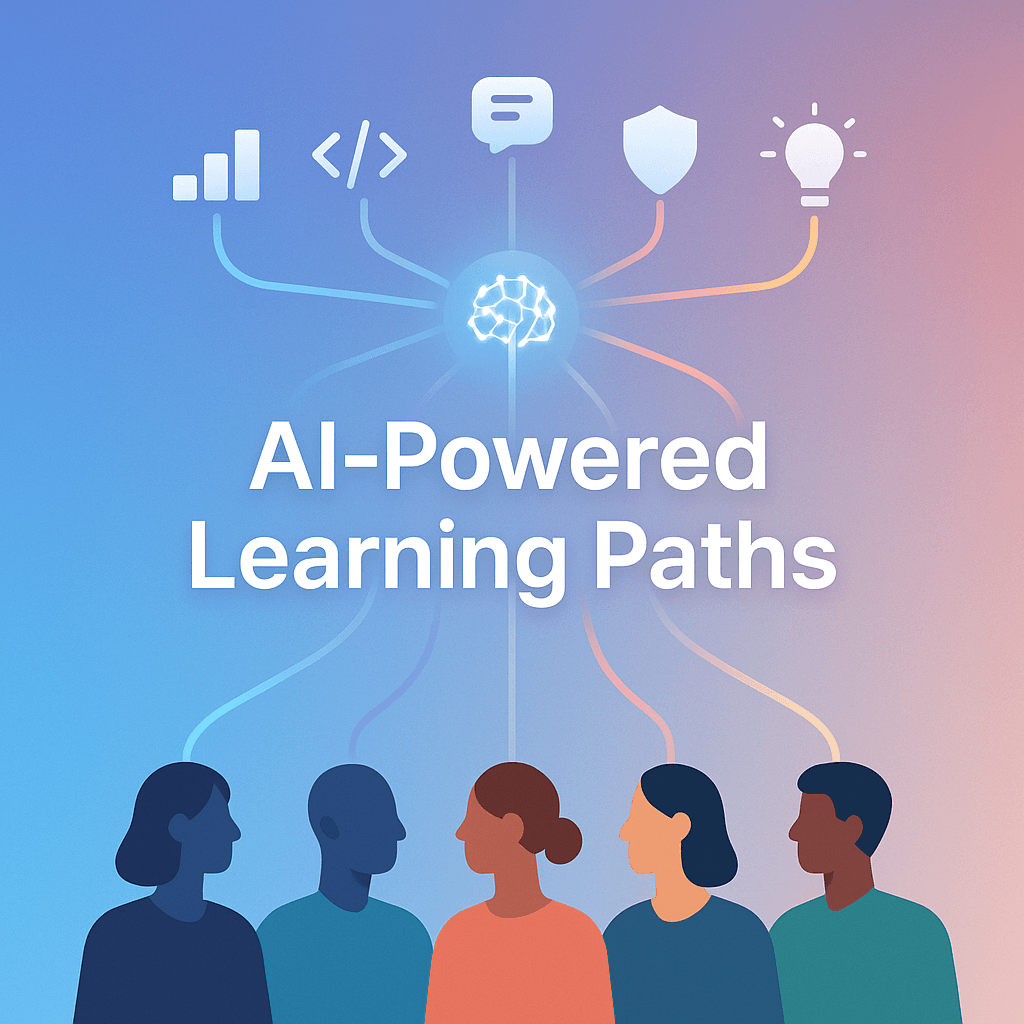

They know they need to upskill people. Everyone can feel the ground moving. New tools. New roles. New expectations. But the old way of training still looks like this:
One big course. One LMS. One “mandatory module”. One deadline. Everybody does the same thing, regardless of what they already know, what they actually do day to day, or how they learn.
And then we act surprised when completion rates are sad, engagement is worse, and the business impact is basically… a spreadsheet that says “trained: yes”.
This is where personalised learning paths come in. And yes, AI is the part that finally makes it practical, not just a nice idea.
This post is about what that actually means, what it looks like inside a real org, where AI helps, where it doesn’t, and how to roll it out without creating a surveillancey, chaotic mess.
The real problem with upskilling is not content
There’s no shortage of courses.
You can buy libraries from Coursera, Udemy Business, LinkedIn Learning, Pluralsight, O Reilly, you name it. You can hire trainers. You can make internal academies. You can put everything into Notion and call it “self serve learning”.
Still doesn’t fix the core issue.
The issue is matching.
Matching the right person to the right skills, at the right depth, in the right order, with the right support, at the right time. And doing that continuously, not once a year in a performance review.
People don’t need more content. They need a path. Something that feels like, ok, I can do this in the flow of work. I know why I’m learning it. I can see how it connects. I’m not wasting time.
That’s the shift.
What a personalised learning path actually is (in plain English)
A personalised learning path is not “here are 10 courses recommended for you”.
It’s more like:
- Here’s what your role needs now (and what it will likely need in 6 to 12 months).
- Here’s what you already know, based on evidence not vibes.
- Here’s the gap, broken down into specific, teachable skills.
- Here’s the best sequence to close that gap.
- Here’s practice, not just watching videos.
- Here are checkpoints so you can prove you can do the thing.
- And if you get stuck, the path adapts.
It sounds obvious. It’s just hard to do manually at scale.
AI is the scaling layer.
Where AI fits, and what it’s good at
AI is not magically “training people”. It’s doing the tedious, high volume thinking that humans are too busy to do consistently.
Here’s where it genuinely helps.
1. Skill mapping without months of workshops
Most orgs still do skill frameworks the slow way.
They run workshops. They debate job families. They argue about competency levels. Then it goes into a PDF. And nobody uses it.
AI can speed this up. Not replace it entirely, but accelerate the messy first draft.
You can feed it:
- role descriptions
- project histories
- internal documentation
- performance rubrics
- existing competency frameworks
- even anonymised work samples (carefully)
And it can produce a structured map like:
- Skills required for Role X
- Skills adjacent to Role X (useful for growth)
- Skill levels (baseline, intermediate, advanced)
- Observable behaviours for each level
Then humans review. HR, L D, managers, senior ICs. You tighten it. You make it real.
The key is: AI helps you get to a usable draft fast, so humans can spend time on judgement, not formatting.
2. Diagnosing the current skill level with less guessing
Personalisation needs a starting point. Otherwise you just throw content around.
AI can help create better diagnostics, like:
- adaptive quizzes (question difficulty changes based on answers)
- scenario based assessments
- short “do the task” challenges
- role specific simulations
- rubric scoring for written responses
Important point though. The model should not be the final judge of someone’s career.
Use AI for signal. Not for verdict.
A good pattern is:
- AI scores or clusters responses
- A human reviews a sample, calibrates, checks bias
- The system assigns a starting level with confidence bands, not absolute truth
So the outcome becomes, “You probably don’t need the beginner module. Start here.” That alone saves hours and removes boredom.
3. Building learning paths that are actually sequenced properly
This is a sneaky one.
A lot of training fails because the order is wrong.
People are told to learn “data storytelling” before they can even pull clean data. Or they do “advanced Excel” before they understand basic analysis. Or they jump into a cloud cert without understanding networking basics.
AI can help sequence learning based on prerequisites, like a dependency graph.
For example, if the goal is “ship a dashboard in Power BI”, the path might include:
- data basics (tables, keys, joins)
- cleaning data (Power Query)
- basic DAX
- visual design principles
- stakeholder requirements gathering
- publishing and access control
- performance tuning basics
That is a path. Not a playlist.
And it can adapt. If someone already knows joins, skip it. If someone struggles with DAX, pause and add practice.
4. Creating practice, feedback, and coaching at scale
Watching videos is not upskilling. It’s watching videos.
Upskilling is practice with feedback.
AI can generate realistic practice tasks, role specific prompts and scenarios, examples and counter examples, immediate feedback on exercises (especially writing, analysis, coding), and micro coaching, like “try a clearer structure” or “you missed the edge case”.
For technical roles, it can also create small labs and debugging challenges. For sales, it can simulate objections. For support, it can generate ticket scenarios. For managers, it can do messy conversations and give feedback on tone and clarity.
The best part is consistency. People get feedback even when a manager is slammed.
But again, keep a human in the loop for sensitive stuff. Coaching on performance conversations, leadership, anything involving conflict. AI can support, not replace.
5. Doing all this continuously, not once a year
The big win with AI personalisation is that it can update paths as the world changes.
New tools are adopted. Processes change. A team shifts priorities. The AI can detect, “Hey, this team now uses Snowflake, not Redshift” or “We are moving from Scrum to Kanban”.
And the learning paths adjust.
Static training programs hate reality. Adaptive ones survive it.
What this looks like inside a company (a simple example)
Let’s say you have a customer success team. 80 people. Mix of experience.
Leadership says, “We need better retention. Better onboarding. Better handling escalations. Also we are rolling out a new product line, so knowledge gaps are showing.”
Old approach: run two workshops, buy a course library, make completion mandatory.
Personalised AI approach could look like:
Step 1: Define target skills
Define target skills for CS roles: onboarding, product knowledge, value realisation, negotiation, writing, escalation handling, and tool usage.
Step 2: Run a light diagnostic
Run a light diagnostic using a product scenario quiz, a written response to a tough customer email, and a role play simulation with an AI customer for escalation.
Step 3: Cluster the team into skill profiles
Cluster the team into 4 to 6 skill profiles, such as: strong on product but weak on negotiation, strong on communication but weak on tooling, new hires who need fundamentals, and seniors who need advanced multi stakeholder skills.
Step 4: Assign and personalise paths
Assign paths per cluster, then personalise within each path.
Step 5: Build practice loops
Build practice loops with a weekly scenario, short feedback, and manager review every 2 weeks for a few key artifacts.
Step 6: Track outcomes
Track outcomes including time to value for new customers, escalation rate, churn signals, customer satisfaction, plus learning metrics like skill progression.
Now training is tied to the work. And people feel it. It stops being HR homework.
The data you need (and what you should avoid collecting)
This is where companies get nervous. Fair.
Personalisation needs data, but you do not need to turn the workplace into a panopticon to do it.
Useful inputs:
- role definitions and levels
- skills framework
- learning history (completed modules, scores)
- self assessments (with low stakes framing)
- manager assessments (structured, not “good attitude”)
- project outcomes and artifacts (where appropriate)
- tool usage signals in aggregate (team level patterns, not micromanaging individuals)
Stuff to be cautious with:
- raw message logs, emails, private chats
- overly granular activity tracking
- anything that can feel like surveillance rather than support
A simple rule: if you would feel weird explaining the data collection in a team all hands, don’t do it.
Also, get governance in place early. Consent, transparency, retention policies, access control.
How to roll it out without overwhelming everyone
Personalised learning paths sound like a big transformation project. It can be. But it doesn’t have to start that way.
Here’s a rollout plan that is actually survivable.
Step 1: Pick one business critical cohort
Not the whole company.
Pick a group where upskilling will clearly move a metric, like:
- frontline sales
- customer support
- data analysts
- software engineers in a platform migration
- new managers
Make it small enough to learn fast. 30 to 150 people is usually manageable.
Step 2: Define “success” in business terms
Not “hours trained”.
Pick 2 to 4 metrics that matter. Examples:
- reduced time to productivity for new hires
- improved quality scores
- reduced cycle time
- fewer incidents
- improved win rate
- fewer escalations
If you can’t connect learning to an outcome, it will get deprioritised the moment budgets tighten.
Step 3: Build a lightweight skills map and diagnostic
Do not build a 200 skill framework on day one.
Start with:
- 10 to 20 core skills
- 3 levels each
- clear examples of what “good” looks like
Then create a diagnostic that takes 20 to 40 minutes total. People will do it if it’s respectful of their time and feels relevant.
Step 4: Create paths that blend learning with doing
Aim for a cadence like:
- 30 to 60 minutes per week of learning content
- 30 to 60 minutes per week of practice
- tiny feedback loops
Also, build “skip logic”. If someone proves competence, let them move on. This is one of the biggest morale boosters.
Step 5: Give managers a simple way to support it
Managers make or break upskilling. They don’t need to become teachers, but they do need a script.
Give them:
- a one page overview of the skill goals
- a dashboard that shows who is stuck (without shaming)
- a set of 5 to 10 coaching questions
- a way to recognise progress in team meetings
This is boring. It’s also the part that makes it work.
Step 6: Iterate, then expand
After 6 to 10 weeks, you will know:
- which content is useless
- where people drop off
- what the diagnostic missed
- what practice tasks are too hard or too easy
- what outcomes are moving
Then you improve. And only then you scale to other cohorts.
Choosing the AI approach (build vs buy vs hybrid)
This depends on your company size, compliance needs, and how mature your L D stack is.
Typical options:
- Buy: An LMS or LXP with AI recommendations and skills features. Faster, less control.
- Build: Custom internal platform using your data, your roles, your content. More control, more work.
- Hybrid: Use a vendor for delivery and tracking, but build internal skill models, diagnostics, and role specific practice.
In practice, hybrid tends to win because companies need some internal specificity. Your workflows are unique. Your tools are unique. Your customer scenarios are unique.
Also, don’t ignore the boring requirements:
- SSO and identity management
- role based access
- audit logs
- content governance
- analytics
- integrations with HRIS, ATS, performance systems (only if needed)
AI that lives in a silo becomes a novelty. The value comes when it’s connected to how people actually work and grow.
The risks nobody wants to talk about (but you should)
AI personalisation is powerful. It can also backfire.
Here are the common failure modes.
Personalisation that becomes pigeonholing
If the system decides, “You are intermediate” and never lets someone challenge themselves, you get stagnation.
Fix it by allowing:
- self selected stretch paths
- manager nominated stretch goals
- clear override mechanisms
- transparent criteria
Biased assessments
If your training data or rubrics reflect historical bias, AI can reinforce it.
You need:
- bias checks on diagnostics
- calibration across groups
- human review for high impact decisions
- ongoing monitoring of outcomes
Over focusing on measurable skills
Some skills are hard to measure. Collaboration. judgement. leadership under pressure.
If you only train what’s easy to score, you create a company full of people who pass quizzes and fail reality.
Balance it with:
- projects
- peer feedback
- manager observation
- real work artifacts
Privacy and trust erosion
If employees feel like the system is watching them to punish them, adoption dies. Quietly, but completely.
So be clear:
- what data is used
- what it is used for
- what it is not used for
- who can see what
- how long data is kept
Treat trust like a feature, not a legal checkbox.
A simple template you can steal: the “Path” structure
If you want a concrete structure for a personalised path, this one works across roles.
- Goal: one sentence outcome, tied to work.
- Baseline check: short diagnostic.
- Core concepts: minimal content needed.
- Guided practice: small tasks with examples.
- Independent practice: do it with less help.
- Feedback loop: AI feedback plus human spot checks.
- Assessment: prove competence in a realistic scenario.
- On the job application: a real task at work.
- Reflection: what changed, what still feels hard.
- Next step: either deepen or branch to adjacent skills.
AI can support almost every step, but it should not remove the human parts. Especially feedback that affects confidence, motivation, and career growth.
Let’s wrap this up
Upskilling is not a content problem. It’s a matching and momentum problem.
Personalised learning paths fix that by making training feel relevant, paced, and connected to real work. AI makes it possible to do this without hiring an army of trainers or turning your L D team into project managers for 500 different learning plans.
If you’re thinking about doing this, keep it simple:
- pick one cohort
- define success metrics
- build a lightweight skills map
- run a diagnostic
- create a path that includes practice and feedback
- iterate fast
- be transparent about data and privacy
That’s it. And no, it won’t be perfect at launch. But it will be alive. It will improve. And your workforce will actually get better, not just more “trained”.
FAQs (Frequently Asked Questions)
What is the main problem companies face with traditional upskilling methods?
The main problem is that traditional training treats everyone the same, offering one big course or mandatory module regardless of individual knowledge, roles, or learning styles. This leads to low engagement, poor completion rates, and minimal business impact because it doesn’t match the right person to the right skills at the right time.
How do personalised learning paths differ from traditional training courses?
Personalised learning paths are tailored journeys that identify what a role needs now and in the future, assess what an individual already knows based on evidence, identify skill gaps broken into teachable skills, sequence learning properly, include practice and checkpoints, and adapt if learners get stuck. Unlike generic course recommendations, they create a meaningful path aligned with real work needs.
In what ways does AI enhance personalised learning paths for upskilling?
AI accelerates skill mapping by generating initial competency frameworks from existing data; improves diagnostics through adaptive quizzes and scenario assessments; sequences learning content properly based on prerequisites; and creates scalable practice tasks with immediate feedback and micro coaching. It handles tedious, high-volume thinking to make personalised learning practical at scale.
Why is skill mapping important and how can AI improve this process?
Skill mapping defines the specific skills required for roles along with proficiency levels and observable behaviors. Traditionally slow and manual, AI can quickly draft structured skill maps by analyzing role descriptions, project histories, performance rubrics, and other data sources. Humans then refine these drafts to ensure accuracy and relevance.
How does AI help diagnose an employee’s current skill level more effectively?
AI enables better diagnostics using adaptive quizzes that adjust question difficulty based on answers, scenario-based assessments, task challenges, simulations, and rubric scoring. While AI provides a probabilistic starting point rather than definitive judgments, human reviewers calibrate results to assign appropriate starting levels that reduce boredom and wasted time.
What role does practice and feedback play in effective upskilling supported by AI?
Practice with feedback is crucial for genuine upskilling beyond just watching videos. AI generates realistic practice tasks tailored to roles—such as coding labs or sales objection simulations—and provides immediate feedback and micro coaching suggestions. This approach helps learners apply skills actively and receive guidance that accelerates mastery at scale.


