
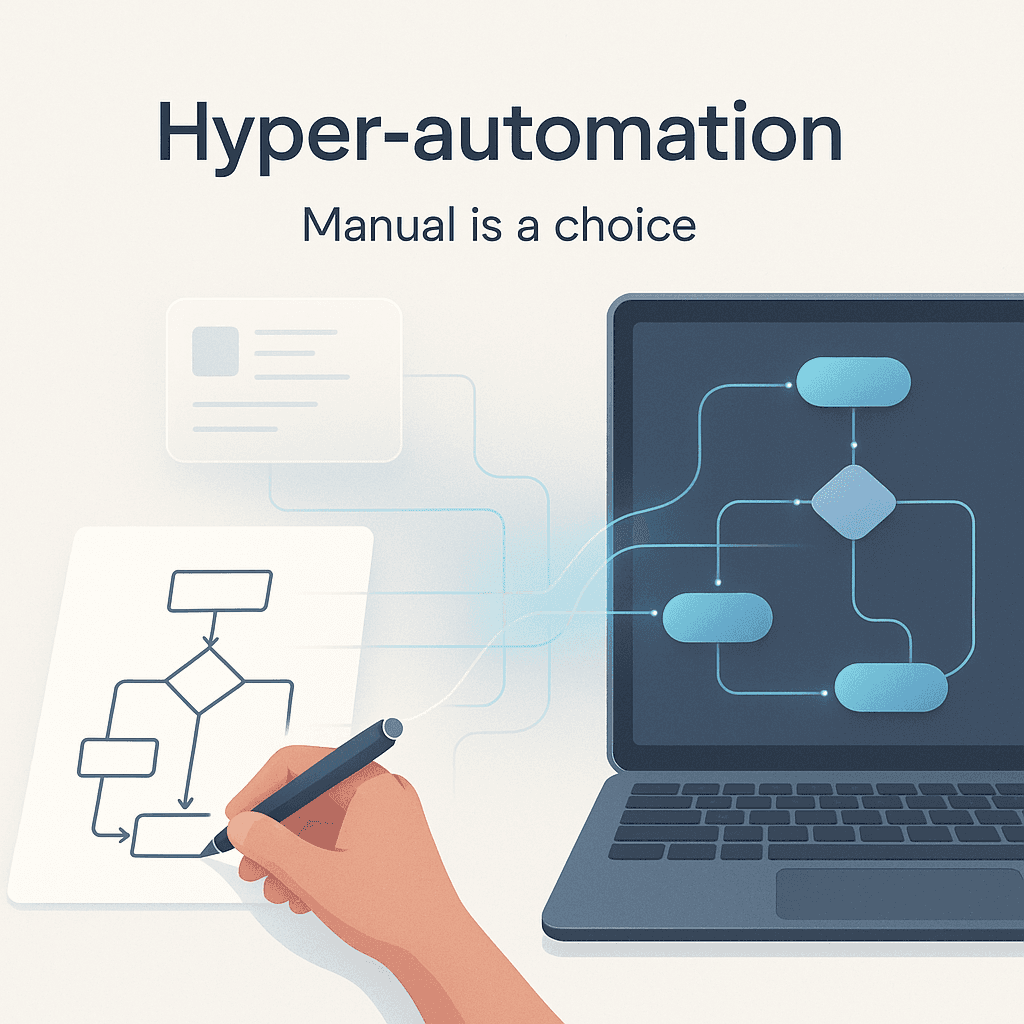

That was the old version.
Hyper automation is different. It is when your work is treated like a system that can run without you hovering over it. Not in a sci fi way. More like, the boring parts stop asking for permission every five minutes.
And the weirdest part is this.
Doing everything manually is no longer the default. It is a decision. Sometimes a good one. Often an expensive one.
So what is hyper automation, really?
Hyper automation is basically automation stacked on automation. Workflows connected end to end. Not just one task. A whole chain.
A lead comes in. The system enriches it. It qualifies it. It assigns it. It schedules a follow up. It drafts the email. It logs it. It nudges the rep. It updates the pipeline. It triggers onboarding if the deal closes. It creates a folder, invites people, spins up a checklist, and sends a status update.
No one “remembers” to do anything. It just happens.
And it is powered by a mix of things:
- Workflow automation tools (Zapier, Make, n8n, Power Automate)
- RPA for legacy apps (UiPath and friends)
- AI agents that can read, write, summarize, categorize, decide
- Data connectors and APIs that let all these apps talk to each other
- Rules. Approvals. Logging. Audits. The boring enterprise stuff that matters
The result is not just speed. It is consistency. Fewer dropped balls. Less “wait, did we ever reply to them?”
The real reason manual work is dying
Manual work is not dying because people are lazy. It is dying because the environment changed.
Here is what actually happened:
- Tools multiplied. Everyone has 20 tabs open and half of them are “systems of record”.
- Expectations went up. Faster replies. Cleaner handoffs. More personalization. More reporting. All at once.
- Costs became visible. A lot of businesses finally did the math on what repetitive work costs them in payroll and mistakes.
- AI made the last mile automatable. Before, automation struggled with messy inputs. Emails. PDFs. Random notes. Now AI can interpret that stuff well enough to trigger the next step.
So instead of “I cannot automate this because it is unstructured,” it becomes “I can automate 80 percent and review the last 20.”
That is a huge shift.
Hyper automation is not about replacing people. It is about replacing glue work.
Most teams are not drowning in “real” work. They are drowning in glue work.
Copying data from one place to another. Renaming files. Updating statuses. Chasing approvals. Writing the same email ten times with small edits. Taking meeting notes and turning them into tasks. Searching for the latest version. Asking, again, who owns this.
Hyper automation targets those.
It gives your team back time for the stuff that is actually human:
- Talking to customers
- Making judgment calls
- Negotiating
- Designing
- Debugging hard problems
- Building relationships inside the company so things ship faster
If you automate the glue, the work suddenly feels… lighter. Still busy. But less chaotic.
A few examples that make it click
This gets abstract fast, so here are some normal scenarios.
1. Customer support triage
Manual version: You read every ticket, tag it, route it, ask for missing info, paste a response, then log it.
Hyper automated version:
Tickets get classified by intent and urgency. Missing info gets requested automatically. Known issues get an instant reply with the right article. High value customers get escalated. Everything gets logged. A human jumps in where it is sensitive or unclear.
Support becomes less about sorting. More about solving.
2. Finance and invoices
Manual version: Someone downloads invoices, checks fields, enters them into accounting, pings for approvals, follows up, then schedules payment.
Hyper automated version:
Invoices are extracted and validated. Duplicates flagged. Approvals routed based on amount and department. Payment scheduled. Exceptions go to a person with a clean summary.
This is where RPA plus AI is kind of unstoppable, especially if you are stuck with old systems.
3. Hiring coordination
Manual version: Recruiter schedules, reschedules, tracks feedback, reminds interviewers, updates the ATS, sends follow ups.
Hyper automated version:
Scheduling is self serve. Feedback forms are nudged automatically. No feedback means reminders escalate. Candidates get updates without the recruiter writing every email.
Recruiters should be recruiting, not running a calendar.
4. Content operations
Manual version: You write, edit, optimize, create briefs, assign tasks, upload to CMS, format, add metadata, schedule, report.
Hyper automated version:
Briefs generated from SERP and internal data. A draft is created in your brand structure. Editor reviews. CMS formatting and metadata are applied automatically. Performance reporting is pushed weekly.
Content still needs taste. But you can stop doing the mechanical parts by hand.
“But if we automate everything, will it become soulless?”
This is a fair fear. And honestly, it happens when people automate the wrong thing.
If you automate customer empathy, you get robotic replies. If you automate decision making without guardrails, you get weird outcomes. If you automate without monitoring, you get silent failures that pile up.
Hyper automation works best when you split work into three buckets:
- Always automate: Repetitive, rules based, low risk tasks. Data movement. Notifications. Standard formatting.
- Automate with review: AI drafted emails, summaries, classifications, recommendations.
- Keep human led: Strategy, exceptions, sensitive conversations, anything that can hurt trust.
You do not need to automate the soul. Just the scaffolding.
The hidden advantage: fewer mistakes and less “institutional memory” risk
A lot of companies run on tribal knowledge.
Only one person knows the steps. Or where the template lives. Or how to run the report. Or why that checkbox matters. Then they go on vacation and everything slows down. Or they quit and the process breaks.
Hyper automation forces you to define the process. Map it. Encode it. Document it because the workflow literally depends on it.
So the business becomes less fragile.
Also, automated workflows produce logs. That sounds boring, but logs are gold. You can finally answer questions like:
- Where do leads get stuck?
- Which step causes most delays?
- How long does onboarding actually take?
- Who is overloaded?
- What is the real volume of requests by category?
Manual work hides these answers inside people’s heads and messy inboxes.
The uncomfortable part: hyper automation exposes bad processes
This is where teams get stuck.
They try to automate a messy process and it explodes. Not because automation is hard. Because the process is nonsense.
Hyper automation is like shining a flashlight into the basement. Suddenly you see:
- Steps that exist only because someone did not trust someone else
- Approval chains that are political, not practical
- Duplicate data entry that no one questioned
- Tools that overlap because different teams bought different things
So you end up doing process cleanup first. Which is annoying. But it is also the payoff. You fix the system, not just the symptoms.
How to start without turning it into a six month “transformation”
Most hyper automation projects fail because they start too big and too vague.
Instead, start like this.
Step 1: Pick one workflow that hurts weekly
Not “operations”. Not “sales”. A real workflow.
Examples:
- New lead to first meeting booked
- Trial signup to activation
- Invoice received to payment approved
- Support ticket received to resolution
If it is not painful, it will not get adopted.
Step 2: Map it in plain language
Write the steps like you are explaining it to a smart intern. Include edge cases. Include who needs what.
Do not overthink diagrams. Just get it out.
Step 3: Automate the handoffs first
Handoffs are where work dies.
Automate:
- Routing
- Notifications
- Task creation
- Status updates
- Data sync between systems
Even without AI, this alone can cut chaos in half.
Step 4: Add AI where humans are doing pattern recognition
Great AI use cases:
- Categorizing inbound requests
- Drafting responses
- Summarizing calls and meetings into tasks
- Extracting fields from documents
- Detecting anomalies or duplicates
- Generating first drafts of reports
Keep humans in the loop until you trust the system.
Step 5: Monitor, measure, and tighten
Hyper automation is not “set and forget”. It is more like gardening.
You look for:
- Failure points
- Steps that create noise
- Cases that need better rules
- Places where humans still redo work because the output is not usable
Then you iterate.
Doing everything manually is still allowed. It is just not free.
Let’s say you choose to do everything manually. That is fine. Some businesses should. Especially if they are small, highly bespoke, or still figuring out product market fit.
But you should be clear about what you are paying for:
- Slower response times
- Higher error rates
- More burnout
- More dependency on specific people
- Less visibility into what is happening
- Fewer experiments because every change is “more work”
Manual work used to be normal overhead.
Now it is a tradeoff you should make deliberately.
Where this is going next
The next phase is not just workflows. It is semi autonomous operations.
Systems that do the work, then ask for approval only when they are unsure. Systems that learn from corrections. Systems that create their own tasks to close gaps. It will feel less like “automation” and more like having a very fast coordinator who never sleeps.
Still, the companies that win will not be the ones who automate the most.
They will be the ones who automate the right things, keep quality high, and protect the human parts that build trust.
Wrap up
Hyper automation is not a buzzword when you see it in motion. It is your business running smoother because the repetitive work is not eating your attention all day.
And that is the shift.
Manual work is no longer the default. It is a choice.
Make it on purpose.
FAQs (Frequently Asked Questions)
What is hyper automation and how does it differ from traditional automation?
Hyper automation is the stacking of multiple automation workflows connected end to end, enabling entire systems to run without constant human oversight. Unlike traditional automation, which might automate single tasks like sending emails or posting on social media, hyper automation automates whole chains of work processes—such as lead enrichment, qualification, assignment, communication, and onboarding—making manual work a deliberate choice rather than the default.
What technologies power hyper automation in modern workplaces?
Hyper automation leverages a mix of technologies including workflow automation tools (like Zapier, Make, n8n, Power Automate), Robotic Process Automation (RPA) for legacy applications (such as UiPath), AI agents capable of reading, writing, summarizing, categorizing, and decision-making, data connectors and APIs that enable seamless communication between apps, along with essential enterprise features like rules, approvals, logging, and audits to ensure consistency and compliance.
Why is manual work becoming less common in businesses today?
Manual work is declining not because people are lazy but due to changes in the business environment: the proliferation of tools creating complex workflows; higher expectations for faster replies and personalized service; increased visibility into the costs of repetitive tasks; and advancements in AI that allow automation to handle unstructured inputs like emails and PDFs. This shift means automating 80% of tasks with human review for the remaining 20% becomes both feasible and cost-effective.
How does hyper automation impact employees’ daily work and productivity?
Hyper automation reduces ‘glue work’—the repetitive tasks like copying data between systems, updating statuses, chasing approvals—that often overwhelm teams. By automating these mechanical parts, employees gain more time for truly human activities such as customer interactions, judgment calls, negotiation, creative design, problem-solving, and building internal relationships. This makes work feel lighter and less chaotic while maintaining busyness and engagement.
Can you provide examples of hyper automation applied in real-world scenarios?
Yes. For example: in customer support triage, tickets are automatically classified by intent and urgency with missing info requested without human intervention; in finance invoicing, invoices are extracted and validated with automated approval routing; in hiring coordination, scheduling is self-serve with automatic reminders for feedback; in content operations, briefs are generated from data with drafts created according to brand guidelines and CMS formatting applied automatically. These examples show how hyper automation streamlines entire workflows rather than isolated tasks.
Does hyper automation risk making processes soulless or robotic? How can this be avoided?
While there’s a valid concern that over-automation can lead to robotic interactions or odd outcomes if customer empathy or critical decisions are fully automated without guardrails. To avoid this soullessness: always automate repetitive low-risk tasks like data movement; automate with human review for AI-drafted communications; and keep sensitive judgment-based activities firmly under human control. Monitoring automated processes continuously helps prevent silent failures ensuring that automation enhances rather than diminishes quality.


