

And yet, in 2026, a lot of businesses do the digital version of exactly that.
They run email in Microsoft 365. Files in OneDrive or SharePoint. Maybe customer stuff in Salesforce. Projects in Google Workspace. And the assumption is sort of… well, it’s in the cloud, so it’s backed up.
It feels safe. Like storing your valuables in a bank vault instead of under your bed.
But here’s the uncomfortable part.
The cloud is usually great at keeping their systems running. It is not always designed to protect you from every kind of mistake, deletion, corruption, or account issue that can happen inside your own tenant.
That’s where cloud-to-cloud backup comes in.
First, what “cloud-to-cloud backup” even means
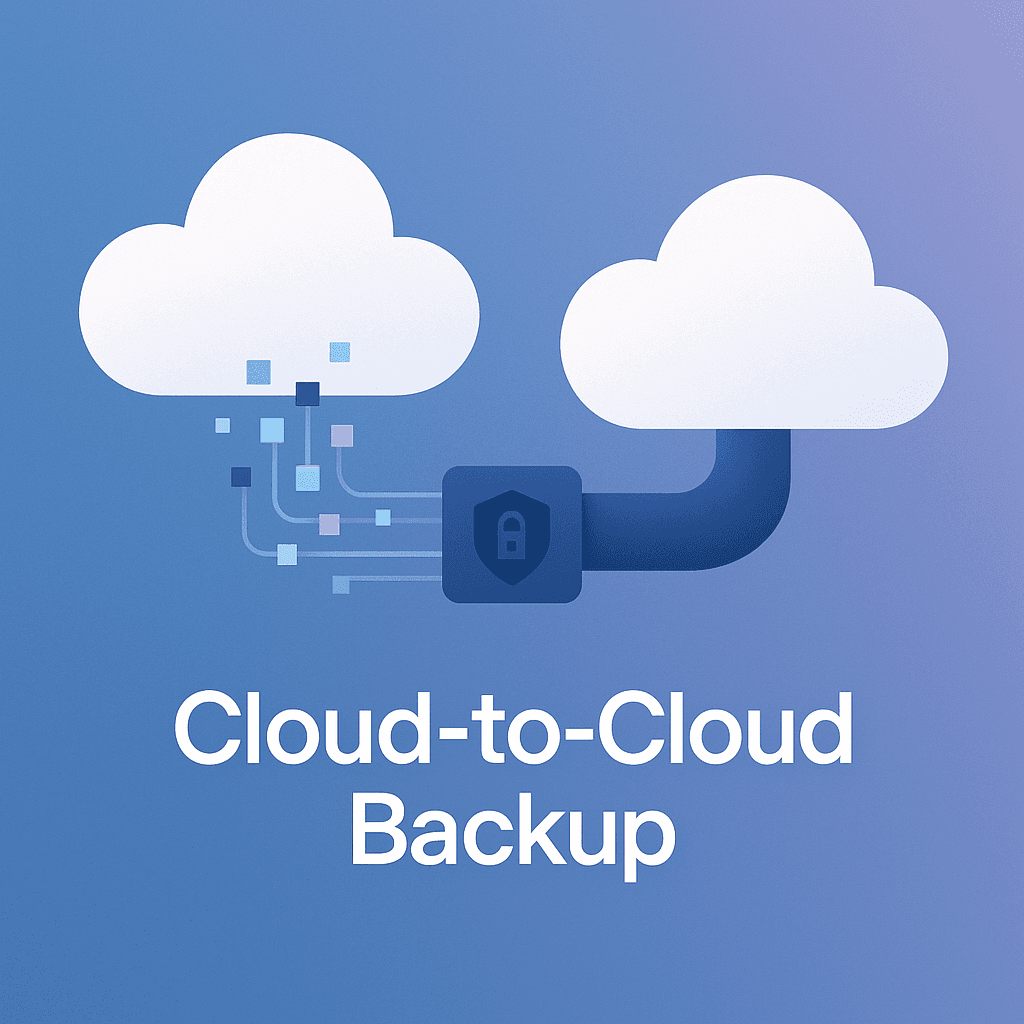
Cloud-to-cloud backup means: your data lives in one cloud app, but copies of that data are automatically saved in a separate cloud location that is not the same place.
Simple analogy: your photos are on your phone, but you also regularly copy them to a second place. Not the same phone. Not the same drawer. Somewhere else entirely.
In business terms, it often looks like:
- Microsoft 365 data backed up to a separate backup platform
- Google Workspace backed up to another cloud storage location
- Salesforce backed up outside of Salesforce
The key point is separation. Different system. Different “basket”.
“But isn’t the cloud already backed up?”
This is the most common confusion. And it’s understandable, because cloud vendors talk a lot about reliability.
Most major cloud services provide things like redundancy and availability. That means if a server dies, another server has the data. If a building loses power, another data center can take over.
Analogy: it’s like a grocery store that restocks shelves quickly if a jar breaks. The store stays open.
But backup is different. Backup is about rolling back time and recovering your specific content when something goes wrong at the user level.
Analogy: redundancy is the store having multiple jars of peanut butter. Backup is you having the receipt and the ability to return the one you bought last week, even if you opened it, dropped it, or your kid poured sand into it.
Cloud services may offer limited retention, recycle bins, or version history. Those are helpful. But they are not always enough, and they are not always guaranteed to match what you need for compliance, investigations, ransomware recovery, or “we just realized this was deleted 5 months ago”.
The real risks people forget about
1. Accidental deletion is way more common than hacking
Someone deletes a folder. Or an ex-employee “cleans up” on the way out. Or a well-meaning admin removes a user and the mailbox goes with it.
Analogy: you threw away the wrong box during spring cleaning. It happens fast and you only notice later.
A cloud recycle bin can help, but those bins have time limits. And sometimes you need something older.
2. Sync tools can spread damage
If you use sync (like OneDrive sync), a corrupted file or mass deletion can sync right across devices and accounts.
Analogy: you spilled ink on one page, then photocopied that page 50 times and replaced the clean copies.
Backup gives you a clean snapshot from before the mess.
3. Ransomware does not care that you’re “in the cloud”
Ransomware is not always a dramatic server encryption event. Sometimes it is quieter. Attackers gain access, then encrypt or tamper with files and emails through normal user permissions.
Analogy: instead of breaking into your house, they stole your keys. Now the alarm system doesn’t matter as much.
If encrypted versions replace good versions everywhere, you need a historical copy that’s isolated from the active account.
4. Retention policies are not backups
Retention keeps data for a period, sometimes for legal reasons. But it can be complex, expensive, and not built for quick, clean restores.
Analogy: retention is keeping every piece of paper in your house because you might need it in court. Backup is keeping a neat folder of “this is what my desk looked like last Tuesday”.
They solve different problems.
5. Service outages and account lockouts are a thing
Even big providers have outages. Also, accounts get locked due to suspicious activity. Or an admin misconfigures access. Or billing fails.
Analogy: the bank vault is fine, but you cannot get through the front door today.
If your backup is in a separate cloud, you can still access your data when your main platform is unavailable.
So what do you actually gain with cloud-to-cloud backup?
Faster recovery, with less drama
Instead of assembling scattered pieces, you restore what you need.
Analogy: rather than rebuilding a Lego set by searching the carpet, you pull out the instruction booklet and the spare set you kept in the closet.
Good backup tools let you restore:
- A single email
- A whole mailbox
- A specific SharePoint site
- A single Drive folder
- An entire user account after deletion
And often you can restore to the original location or to an alternate location for investigation.
Point-in-time snapshots
This is one of the biggest benefits. Snapshots mean you can go back to what things looked like on a certain date.
Analogy: like having photos of your living room every day. If something disappears, you can check when it was last there.
Independence from one vendor’s limits
Recycle bins, retention windows, licensing changes, policy mistakes. Those are less scary when you have another copy elsewhere.
Analogy: you are not stuck shopping at one store that might change its return policy tomorrow.
Better compliance posture
Many industries require recoverability, long-term retention, and proof you can restore data.
Analogy: it’s not enough to say “I’m careful with my receipts”. Sometimes you need a filing cabinet.
Cloud-to-cloud backup can help support frameworks and regulations because it creates a clear, auditable process for data protection.
Common objections, and the honest answers
“We’re small. Nobody targets us.”
Small businesses get hit constantly because they are easier targets and usually have weaker processes.
Analogy: burglars do not only rob mansions. Sometimes they pick the house with the unlocked window.
“We can just export everything manually.”
You can. But will you? Every day? With versioning? With proper permissions? With a tested restore process?
Analogy: saying “I could copy my laptop to a USB drive every night” is technically true. It also rarely happens after day three.
“It’s too expensive.”
Cloud-to-cloud backup is usually cheaper than downtime, lost contracts, legal trouble, or rebuilding data.
Analogy: it’s insurance. You hate paying for it until the day you need it.
What to look for in a cloud-to-cloud backup solution (simple checklist)
You do not need a million features. But you do need the basics done right.
- Separate storage and isolation
- Make sure backups are stored independently from the source cloud account.
- Analogy: spare key hidden somewhere that is not inside the car.
- Granular restore
- Restore one item, not just the whole account.
- Analogy: you can replace one broken plate, not buy a whole new kitchen.
- Point-in-time recovery
- Multiple versions over time, not just one copy.
- Analogy: a calendar of snapshots, not a single photo.
- Retention you control
- Keep data for as long as your business actually needs.
- Analogy: you choose how long to keep tax records, not the filing cabinet manufacturer.
- Security and access controls
- MFA, role-based access, audit logs.
- Analogy: not everyone in the office gets the vault code.
- Regular automated backups
- Daily at minimum, sometimes more often depending on the workload.
- Analogy: a sprinkler system, not a bucket you remember to fill.
- Tested restores
- A backup you cannot restore is basically a screenshot of hope. Run restore tests.
- Analogy: you should practice a fire drill before there is a fire.
A simple scenario that makes this real
Imagine an employee leaves. IT deletes the account. Later, someone realizes that employee had the only copy of a signed customer agreement in their mailbox and also stored a final version of a spreadsheet in their OneDrive.
You check the recycle bin. It’s gone. Or the retention window passed. Or licensing changes made retrieval complicated.
Now what?
With cloud-to-cloud backup, you restore the mailbox and OneDrive contents for that user from a date before deletion. You pull the contract and spreadsheet. Done.
No panic. No awkward calls. No “we might have lost it forever” moment.
The takeaway
Cloud services are excellent at keeping platforms online. But your business risk is usually not “Amazon’s data center exploded”. It’s the everyday stuff.
Someone deleted the thing. Someone overwrote the thing. Someone got phished. A sync tool spread the damage. An admin made a change at 4:55 pm on a Friday.
Cloud-to-cloud backup is basically the second basket. The extra set of keys. The spare copy you keep somewhere else so one mistake does not become a business crisis.
If you are already all-in on cloud tools, that’s fine. It’s smart, honestly.
Just do not make the cloud your only copy of the cloud.
FAQs (Frequently Asked Questions)
What does cloud-to-cloud backup mean and why is it important?
Cloud-to-cloud backup means your data stored in one cloud application is automatically copied and saved in a separate cloud location, different from the original. This separation protects your data from user errors, deletions, corruption, or account issues that can happen within your main cloud service. It ensures you have an independent copy of your business data for recovery when needed.
Isn’t my data already backed up by cloud providers like Microsoft 365 or Google Workspace?
While major cloud providers offer redundancy and high availability to keep their systems running smoothly, this is not the same as a backup. Their protections guard against hardware failures but may not cover accidental deletions, ransomware attacks, or long-term recovery needs. Cloud services often have limited retention periods and recycle bins that might not meet compliance or recovery requirements.
What are the common risks that cloud-to-cloud backup protects against?
Cloud-to-cloud backup safeguards against several risks including accidental deletion of files or mailboxes, damage spread through sync tools, quiet ransomware attacks that encrypt files via user permissions, limitations of retention policies that aren’t designed for quick restores, and service outages or account lockouts that prevent access to your primary cloud platform.
How does cloud-to-cloud backup improve data recovery for businesses?
It enables faster and more efficient recovery by allowing restoration of specific items like single emails, entire mailboxes, SharePoint sites, Drive folders, or user accounts. Backup solutions provide point-in-time snapshots so you can revert to exactly how data looked on a particular date. This reduces downtime and complexity compared to piecing together lost information from scratch.
Can cloud-to-cloud backup help with compliance requirements?
Yes. Many industries require proof of recoverability and long-term retention of data. Cloud-to-cloud backup provides an independent copy stored outside your main vendor’s system, helping meet legal and regulatory obligations by ensuring you can restore data quickly and maintain historical records securely.
Why shouldn’t I rely solely on retention policies or recycle bins for data protection?
Retention policies focus on keeping data for a set period but can be complex, costly, and are not designed for swift restores. Recycle bins have time limits and may not retain older deleted items you need. Cloud-to-cloud backups offer clean snapshots stored separately, giving you flexibility to restore lost or corrupted data beyond these limitations.


