
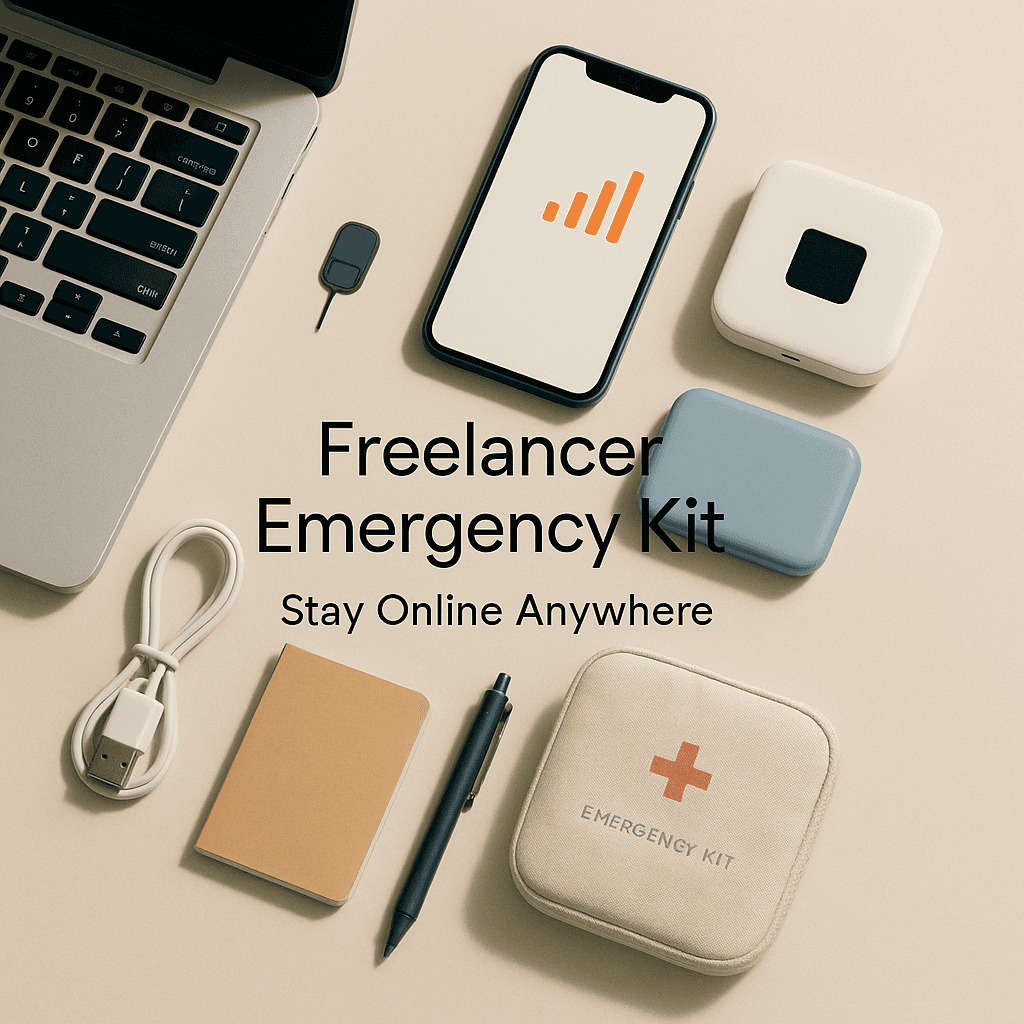

One minute you are sending an invoice, the next your WiFi drops, your laptop starts acting possessed, and a client is asking for a last minute change. If you are solo, there is no IT person to ping. No coworker to borrow a charger from. It is just you, your deadlines, and whatever plan you made for days like this.
So this is that plan. Your emergency kit for staying online. Not in a paranoid way. More like, you keep a spare house key. Because locking yourself out once is enough.
The goal (keep it simple)
Your goal is not perfection. Your goal is to stay functional.
When something breaks, you need:
- A way to connect to the internet.
- A way to power your devices.
- A way to access your work files and accounts.
- A way to communicate with clients.
- A calm, repeatable checklist so you do not spiral.
That is the kit.
1) Backup internet (your second door out)
If your home internet is your main road, your backup is the side street. You do not use it every day. But when the main road is blocked, it saves the day.
Option A: Phone hotspot
A hotspot is just your phone pretending to be a mini WiFi router. Like using your phone as a portable coffee shop internet.
What to do:
- Make sure hotspot is enabled on your phone plan.
- Test it once a month. Actually connect your laptop and load a doc, not just “it should work”.
- Keep a charging cable nearby, because hotspot drains battery fast.
Option B: Dedicated hotspot device
This is like carrying a tiny modem just for emergencies. It is more stable than a phone hotspot, but it costs extra.
Good if:
- You do video calls often.
- Your phone signal is decent but your phone battery is always struggling.
Option C: A list of reliable places
Not romantic, but practical. Keep a short list:
- A nearby coworking space
- A library
- A cafe with solid WiFi
- A friend’s place
Write down addresses and hours. When you are stressed, you will not want to research it from scratch.
2) Power backups (because no battery equals no business)
Power is boring until it is gone. Your power kit is basically “food and water” for your devices.
The non negotiables
- An extra laptop charger (or at least a spare cable if your charger uses USB C)
- A power bank that can charge your phone at least twice
If you have a newer laptop that charges via USB C, get a high wattage power bank. Wattage is like water pressure. Low pressure might fill a glass. It will not run a shower. Same idea.
If you want to level up: a small UPS
A UPS (uninterruptible power supply) is like a battery that sits between the wall and your router or computer. When power cuts, it gives you a few minutes to save work and stay online.
Analogy: a UPS is a flashlight that turns on instantly when the lights go out.
You do not need a huge one. Even a small one for your WiFi router can keep you connected long enough to send a message like, “Power outage here, switching locations.”
3) Passwords and access (your keys, not sticky notes)
When things go wrong, access problems stack fast. You try logging in, it asks for a code, your phone is dead, and now you are locked out of your own tools. Brutal.
Use a password manager
A password manager is basically a locked keychain that remembers every password so you do not have to.
Analogy: instead of memorizing every key shape, you carry one secure keyring.
Do this:
- Turn on two factor authentication for important accounts.
- Save backup codes somewhere safe (print them or store them in a secure vault).
- Make sure you can access your password manager from both phone and laptop.
Two factor authentication without panic
2FA is the extra step after your password, like the bouncer checking your ID even after you show your ticket.
To avoid getting stuck:
- Add at least two methods (authenticator app plus SMS, or authenticator plus a backup email).
- Consider a hardware security key if you are very security focused, but it is optional for most freelancers.
4) File backups (so one spilled coffee does not erase your month)
This is where most freelancers say, “I should do that,” and then do not. Until a drive fails.
You want two layers:
- A cloud copy
- A local copy
Cloud storage
Cloud storage is just “your files stored on someone else’s computer that you can reach from anywhere.”
Analogy: like keeping a spare copy of your notebook in a safe deposit box across town.
Use Google Drive, Dropbox, OneDrive, iCloud, whatever you will actually use. The best one is the one you do not forget.
Set it up so:
- Important folders sync automatically.
- You can access them from your phone.
Local backup
Get an external SSD.
Analogy: a spare hard drive is like photocopying your paperwork and keeping it in a drawer at home.
Basic routine:
- Once a week, plug it in and run a backup.
- Or set up automatic backups if you are comfortable.
Also, keep a “client deliverables” folder that is always synced. If your laptop dies, you can still deliver from another device.
5) A communication fallback (when you need to look professional, fast)
Clients do not need your life story. They need clarity and timing.
Prepare a few message templates now, so you are not writing them while stressed.
Template: internet outage
“Quick heads up, my primary internet is down right now. I am switching to a backup connection. If you notice a delay, I will update you within 30 minutes.”
Template: power outage
“Power outage here. I have saved everything and I am moving to a backup location. I can still be reached by email, and I will confirm the new ETA shortly.”
Template: device problem
“My laptop is having an issue. I am working from a backup setup and expect to be fully stable by [time]. Deliverables are safe and backed up.”
Keep these in:
- Notes app
- A Google Doc
- Your password manager secure notes
Somewhere you can reach from your phone.
6) Minimal spare gear (not a whole suitcase, just enough)
You do not need to be a traveling tech store. But a few small things prevent dumb problems.
My practical list:
- Spare charging cable (phone)
- Spare USB C cable (if your laptop uses it)
- A compact multi port wall charger
- Headphones with a mic (for calls in noisy places)
- A small extension cord (outlets are never where you need them)
- A cheap wired mouse (optional, but nice when trackpads act up)
Analogy for a multi port charger: one power outlet, multiple straws into different drinks. Saves space, saves time.
7) A “first 10 minutes” checklist (because stress makes you forget obvious stuff)
When something breaks, you want muscle memory. Here is a simple flow.
The checklist
- Save work immediately. Export, sync, screenshot, whatever.
- Confirm the problem. Is it your WiFi, your laptop, or the whole neighborhood?
- Switch internet. Hotspot first. Backup location if needed.
- Switch power. Plug in. Power bank. UPS if you have it.
- Send a quick client update if timing is affected.
- Keep working on offline tasks if the internet is shaky.
Offline tasks you can always do:
- Outline a doc
- Edit drafts
- Prep invoices
- Plan the next deliverable
- Write notes for client calls
It is not perfect, but it keeps momentum.
8) The “boring” protections that save you later
Two more things that are not exciting. Still important.
Auto updates (controlled)
Updates are like oil changes. Annoying. Necessary.
Set:
- Your operating system to update automatically, but not during your core work hours.
- Your main apps to update on a schedule.
A simple device health habit
Once a month:
- Restart your router.
- Clear some disk space.
- Check your backup is actually running.
- Test your hotspot.
Testing is everything. Untested backups are basically wishes.
A quick emergency kit summary
If you want the short version, here is the kit I would build first:
- Phone hotspot tested and ready
- Power bank (and a laptop capable one if needed)
- Spare cables and charger
- Password manager with 2FA backups
- Cloud sync for key folders
- External SSD for weekly backup
- Message templates for clients
- One printed page with important numbers and logins recovery steps
That is it. Not fancy. Just resilient.
And the funny part is, once you have this in place, you work calmer. Because you are not secretly hoping nothing goes wrong. You already decided what happens when it does.
FAQs (Frequently Asked Questions)
What is the main goal of having an emergency kit for freelancers?
The main goal of having an emergency kit as a freelancer is to stay functional during unexpected disruptions. This means ensuring you have a way to connect to the internet, power your devices, access your work files and accounts, communicate with clients, and follow a calm, repeatable checklist to avoid spiraling.
How can freelancers ensure they have backup internet access?
Freelancers can ensure backup internet access by using options like their phone hotspot (making sure it’s enabled and tested monthly), investing in a dedicated hotspot device for more stable connectivity especially if they do frequent video calls, or keeping a list of reliable nearby places such as coworking spaces, libraries, cafes with solid WiFi, or friends’ homes for emergency use.
What power backup essentials should freelancers keep handy?
Freelancers should keep an extra laptop charger or at least a spare USB-C cable, and a power bank capable of charging their phone at least twice. For those with newer USB-C laptops, a high wattage power bank is recommended. Additionally, investing in a small UPS (uninterruptible power supply) can provide crucial minutes of power during outages to save work and maintain connectivity.
Why is using a password manager important for freelancers?
A password manager securely stores all passwords so freelancers don’t have to memorize them. It helps prevent access issues when devices fail or batteries die. Using two-factor authentication (2FA) alongside ensures added security. Freelancers should save backup codes safely and ensure they can access their password manager from multiple devices to avoid being locked out of essential accounts.
How should freelancers handle file backups to protect their work?
Freelancers should maintain two layers of file backups: cloud storage (like Google Drive, Dropbox, OneDrive, or iCloud) that syncs important folders automatically and is accessible from any device; and local backups using an external SSD where they regularly back up files weekly or set up automatic backups. Keeping a synced ‘client deliverables’ folder ensures work can be delivered even if the main laptop fails.
What communication strategies should freelancers use during technical emergencies?
Freelancers should prepare clear and professional message templates ahead of time for common emergencies such as internet outages, power outages, or device problems. These templates inform clients promptly about the situation, outline steps being taken (like switching connections or moving locations), set expectations for updates within specific timeframes, and maintain client trust without oversharing personal details.


